How to Re-Register a Tapo or Kasa Device to Another TP-Link Account
Need to transfer a Tapo or Kasa device to another TP-Link account? This guide explains how to remove the existing account binding, sign in with a new TP-Link ID, and reconfigure the device so it can be successfully registered to the new account.
Key Takeaways
- A factory reset is required before a device can be registered to another TP-Link account.
- Factory resetting removes the current account binding and restores default settings.
- Sign out of the original TP-Link account and log in with the new TP-Link ID in the Tapo or Kasa app.
- After the reset, the device must be added and configured again as a new device.
- Setup guides are available for different Tapo and Kasa device categories, including cameras, plugs, lighting, hubs, and robot vacuums.
Transfer Devices to Another Account
Step 1: Factory Reset the Device
A factory reset removes the device from the currently linked TP-Link account and restores it to factory default settings. For model-specific reset instructions:
- Visit the TP-Link Download Center or the Tapo Support Website.
- Search for your device model and open the support download page.
- Refer to the Quick Installation Guide (QIG) or User Guide (UG) for the reset procedure.
Step 2: Sign In with the New TP-Link ID
Open the Tapo or Kasa app and sign in using the TP-Link ID that you want to associate with the device.
If you are still logged in with the original account, open the Tapo/Kasa app, go to Me > View Account, tap Log Out, then sign in with the new TP-Link ID. You can access the Me page by tapping Me in the bottom-right corner or your profile picture in the top-left corner.
Step 3: Set Up the Device Again
After signing in to the new TP-Link ID, set up the device as a new device in the app. Once setup is complete, the device will be linked to the new account.
Configuration Guide for Tapo Device
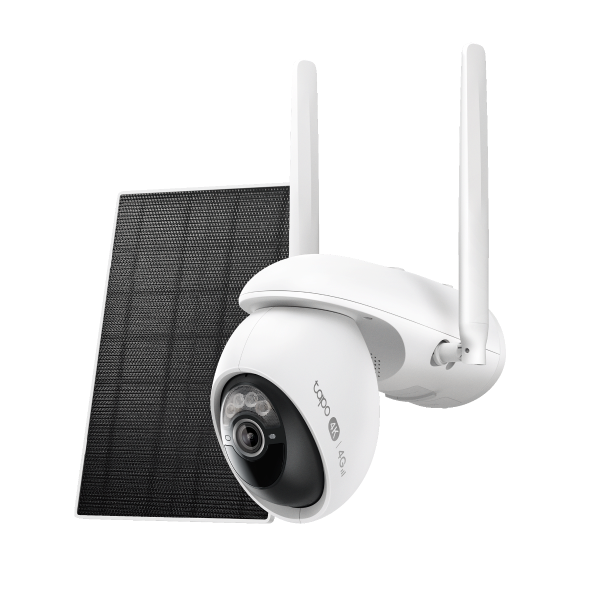
- Tapo Camera: How to Set Up Your Tapo Camera Using the Tapo App
- Tapo Plug: How to set up the Tapo Smart Plug
- Tapo Switch: How to set up Tapo smart switch
- Tapo Lighting: How to set up Tapo smart bulb
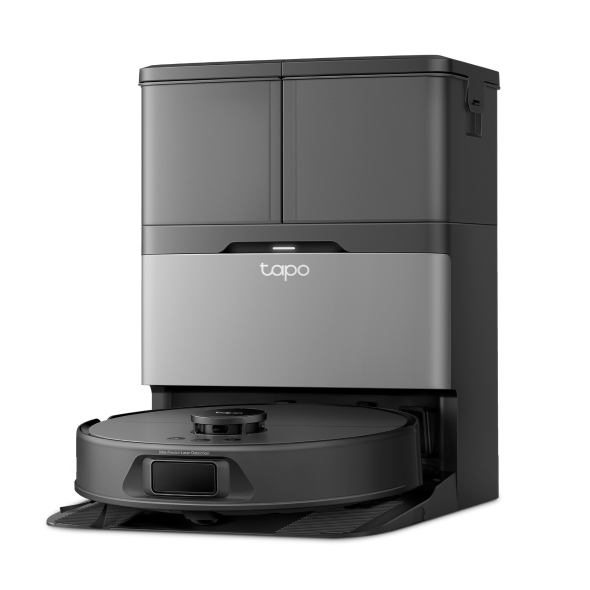
- Tapo Robot Vacuum: How to connect Tapo Robot Vacuum to home Wi-Fi
- Tapo Door Lock: How to set up Tapo Smart Door Lock
- Tapo Hub
Tapo H100: How to Set Up Your Tapo Hub (Tapo H100)
Tapo H110: How to Set Up Your Tapo Hub (Tapo H110)
Tapo H200: How to Set Up Your Tapo Hub (Tapo H200)
- Tapo Sensor: How to pair and connect Tapo Sensor/Button/Switch to Tapo Hub
- Bluetooth Devices: How to set up TP-Link Tapo smart device (Bluetooth) via the Tapo app
Configuration Guide for Kasa Devices
- Kasa Camera:
How to set up my TP-Link Kasa Smart Wire-Free camera
- Kasa Plug: How to Set Up a Kasa Smart Plug via the Kasa App
- Kasa Lighting: How to connect TP-Link Smart Bulb to my home network via Kasa
- Bluetooth Devices: How to set up my TP-Link Kasa Smart Device (Bluetooth) via Kasa App
Looking For More
Is this faq useful?
Your feedback helps improve this site.


TP-Link Community
Still need help? Search for answers, ask questions, and get help from TP-Link experts and other users around the world.