How to Share Network on the Deco App
If you want to share access to your network by having them scan the QR code on the Deco App to connect instead of giving friends and family your network name and password, you could refer to this guide.
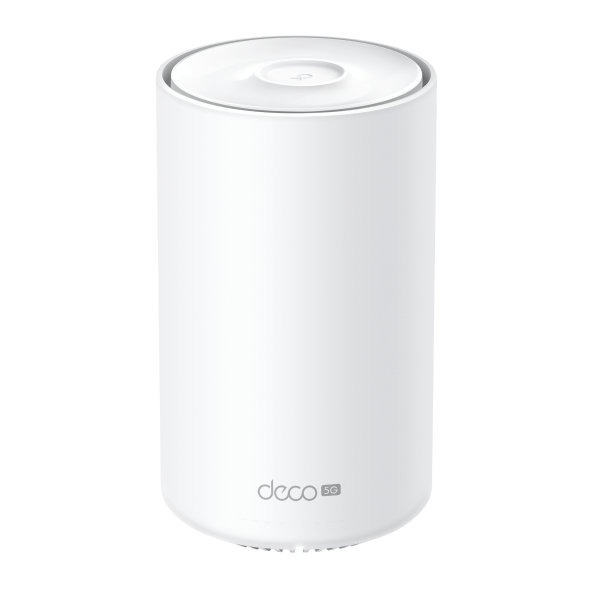
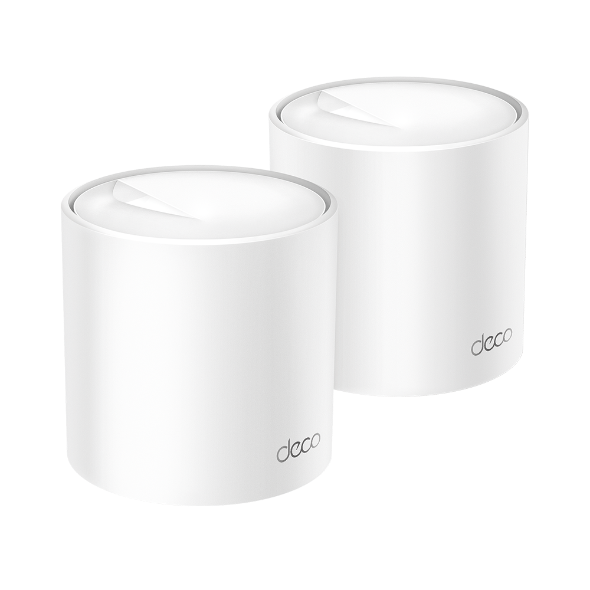
This article will take Deco XE75 as an example.
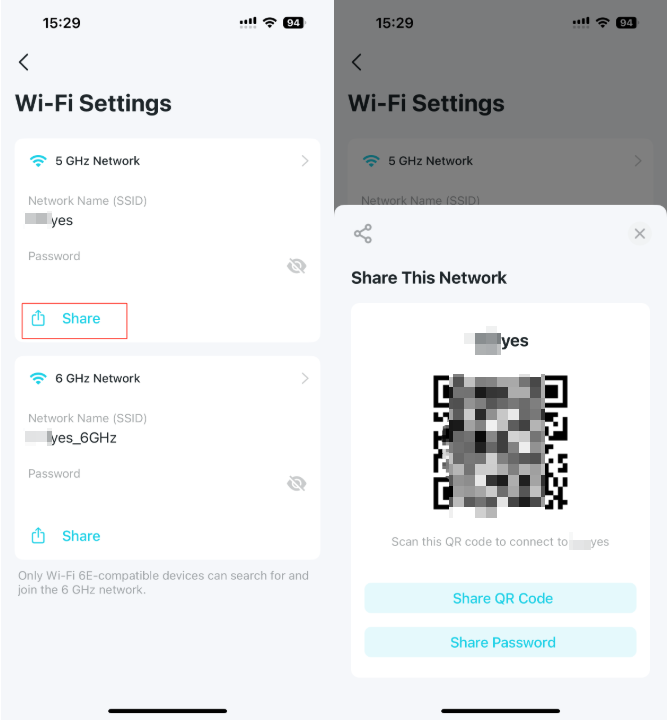
Step 1: Open the Deco App, go to More > WiFi-Settings.

Step 2: Click the Share button on the network you want to share. Choose Share QR code or Share Password to let someone else connect to the Deco’s network.
Więcej
Czy ten poradnik FAQ był pomocny?
Twoja opinia pozwoli nam udoskonalić tę stronę.


TP-Link Community
Still need help? Search for answers, ask questions, and get help from TP-Link experts and other users around the world.
z United States?
Uzyskaj produkty, wydarzenia i usługi przeznaczone dla Twojego regionu.