How to use the WiFi/WPS button on TL-WPA271/ TL-WPA281
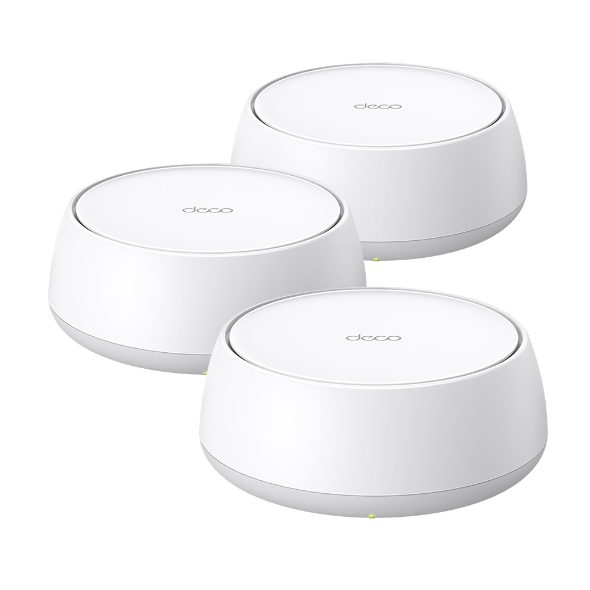
For wireless powerline extender, there is a LED also works as a button. It looks like the picture below.

Working mode:
If the button is pressed for 2 seconds, the LED will be in WPS procedure and blink slowly. It will be solid on for 300 seconds to indicate a successfully WPS connection.
If it is pressed for 5 seconds, wireless function can be disabled or enabled. It will blink quickly when wireless is enabled, otherwise it will be off.

Este guia foi útil?
A sua resposta ajuda-nos a melhorar o nosso site.



TP-Link Community
Still need help? Search for answers, ask questions, and get help from TP-Link experts and other users around the world.