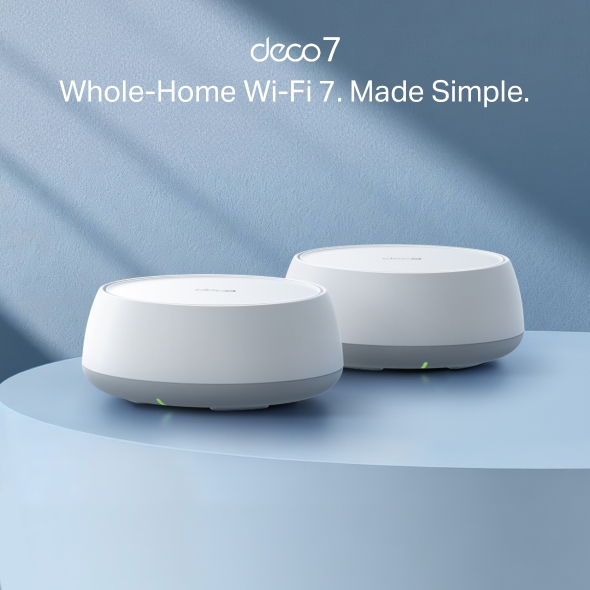
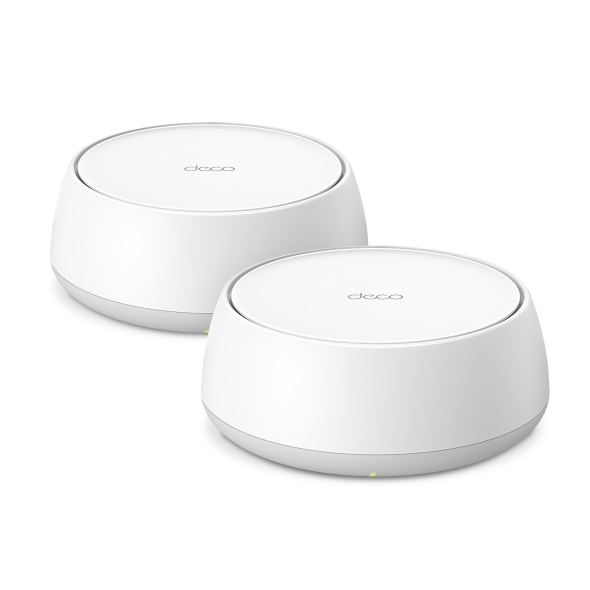
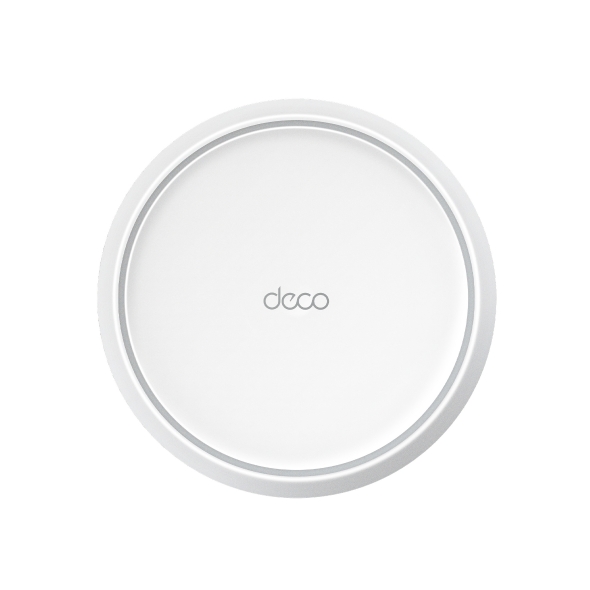


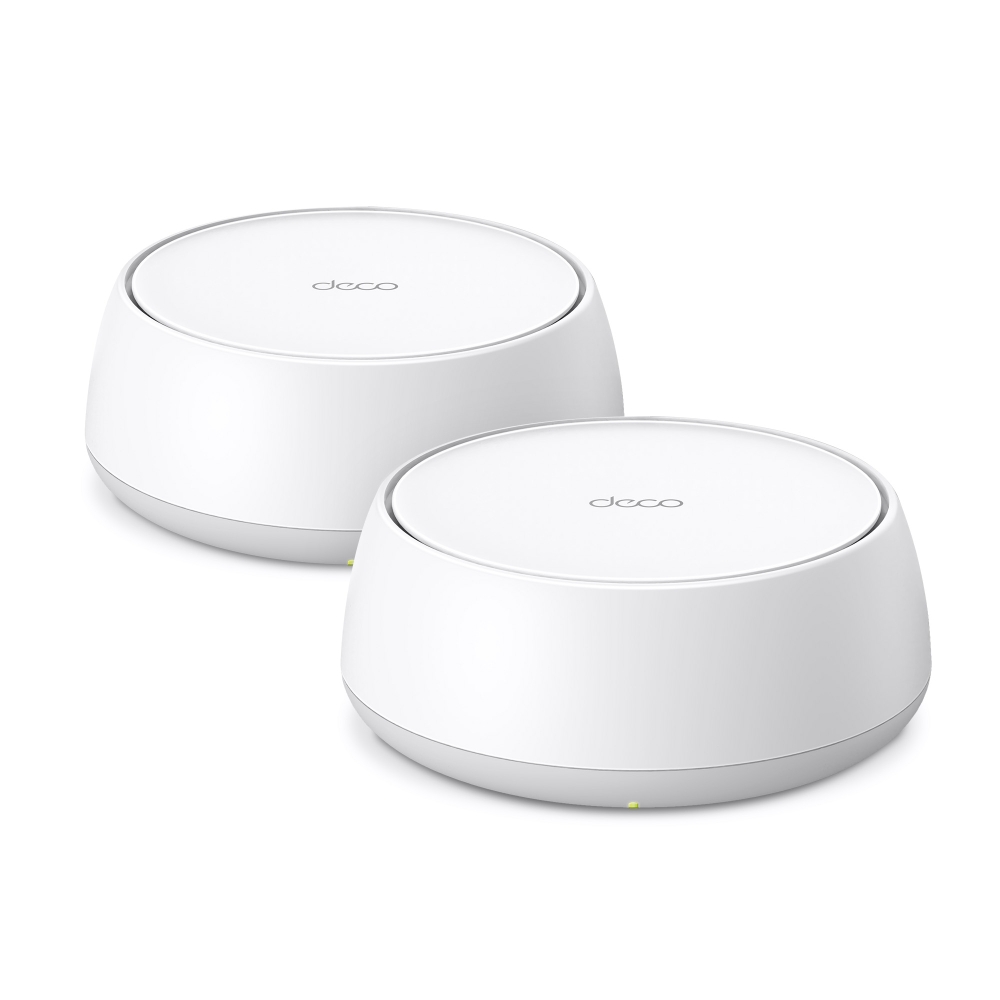


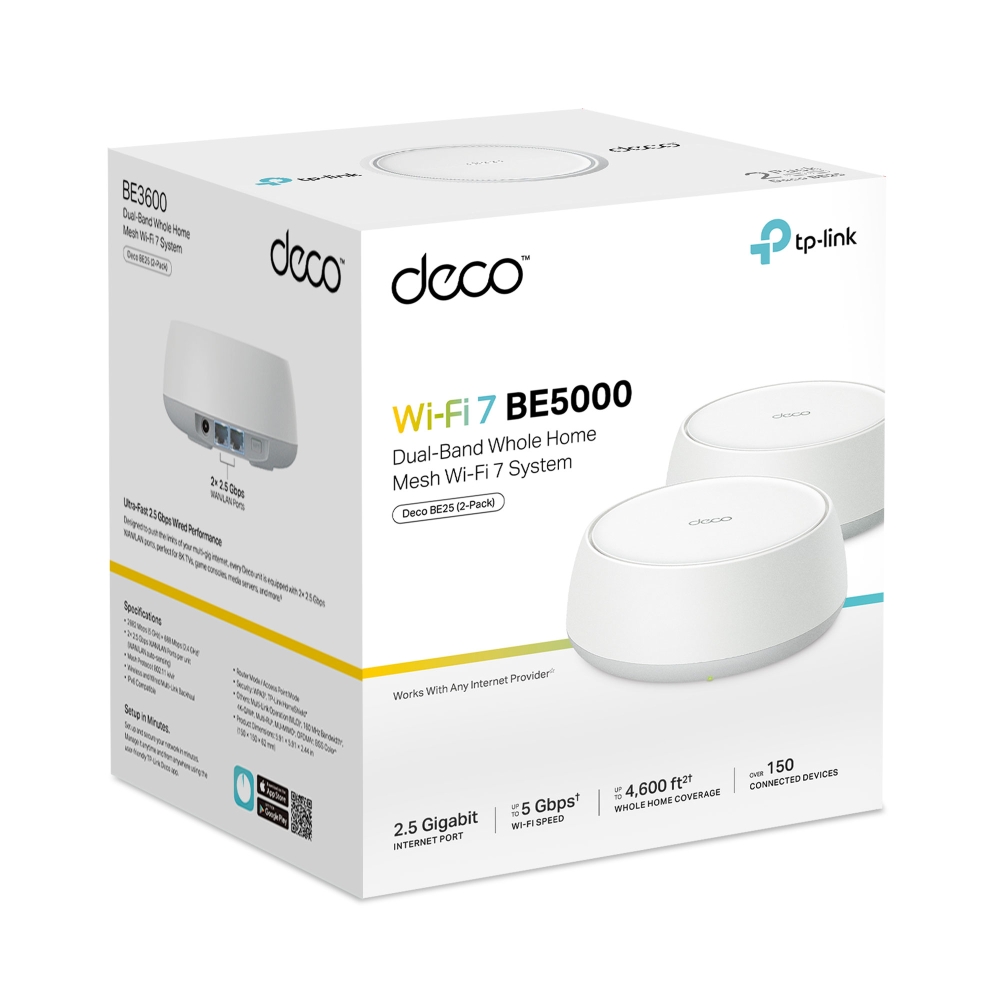
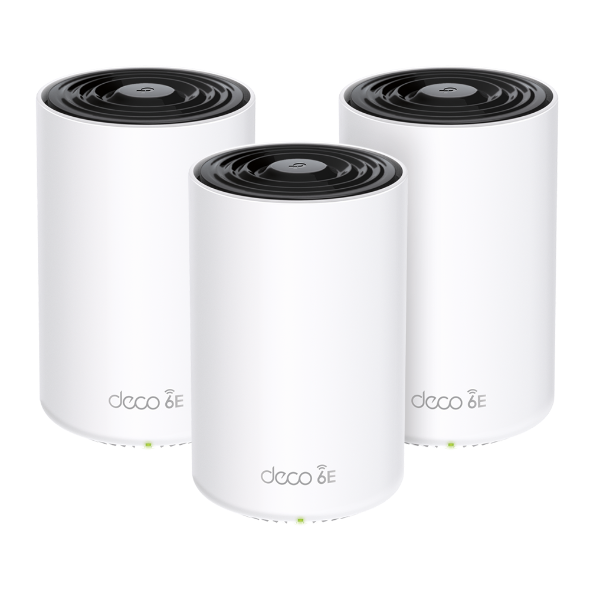
Deco BE25
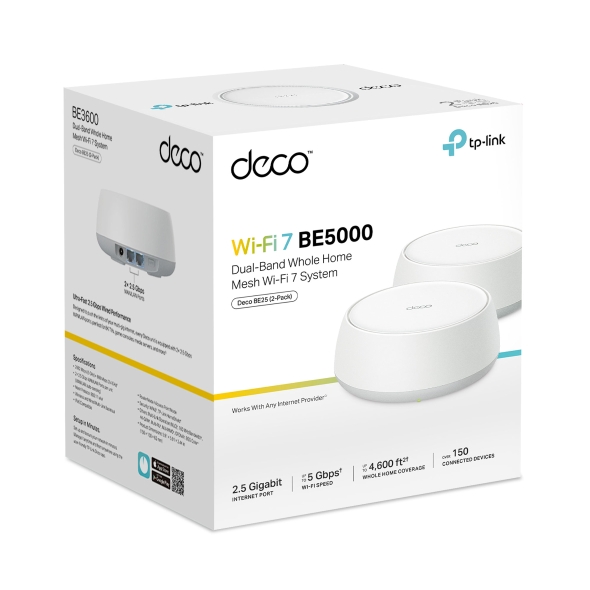
Deco 7 BE5000 Whole Home Mesh WiFi 7 System
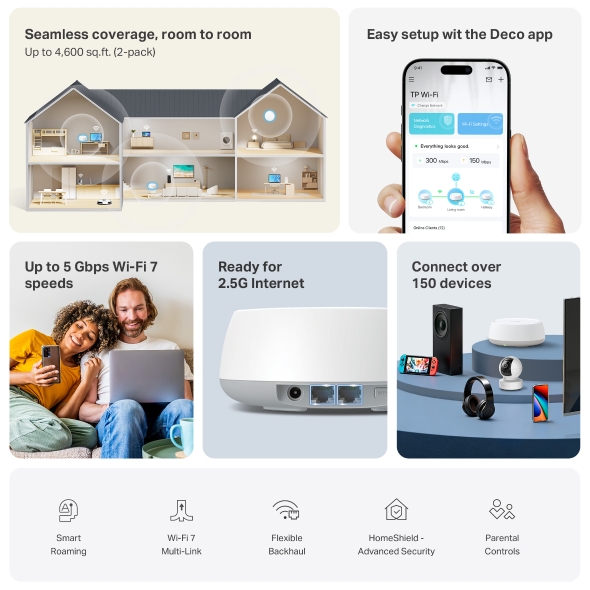
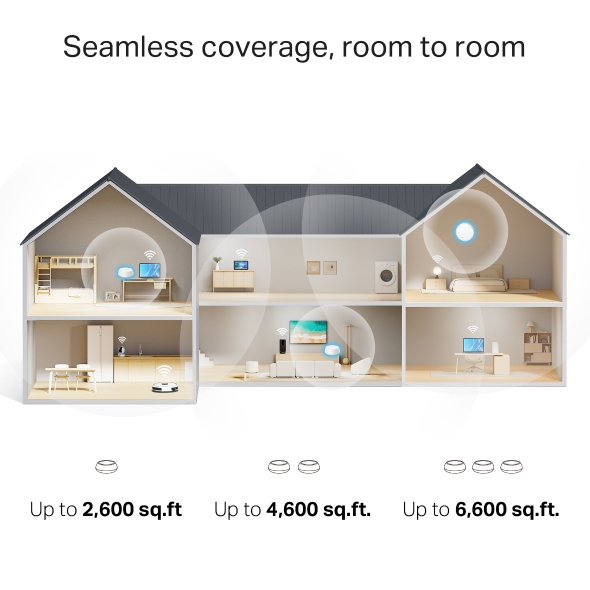
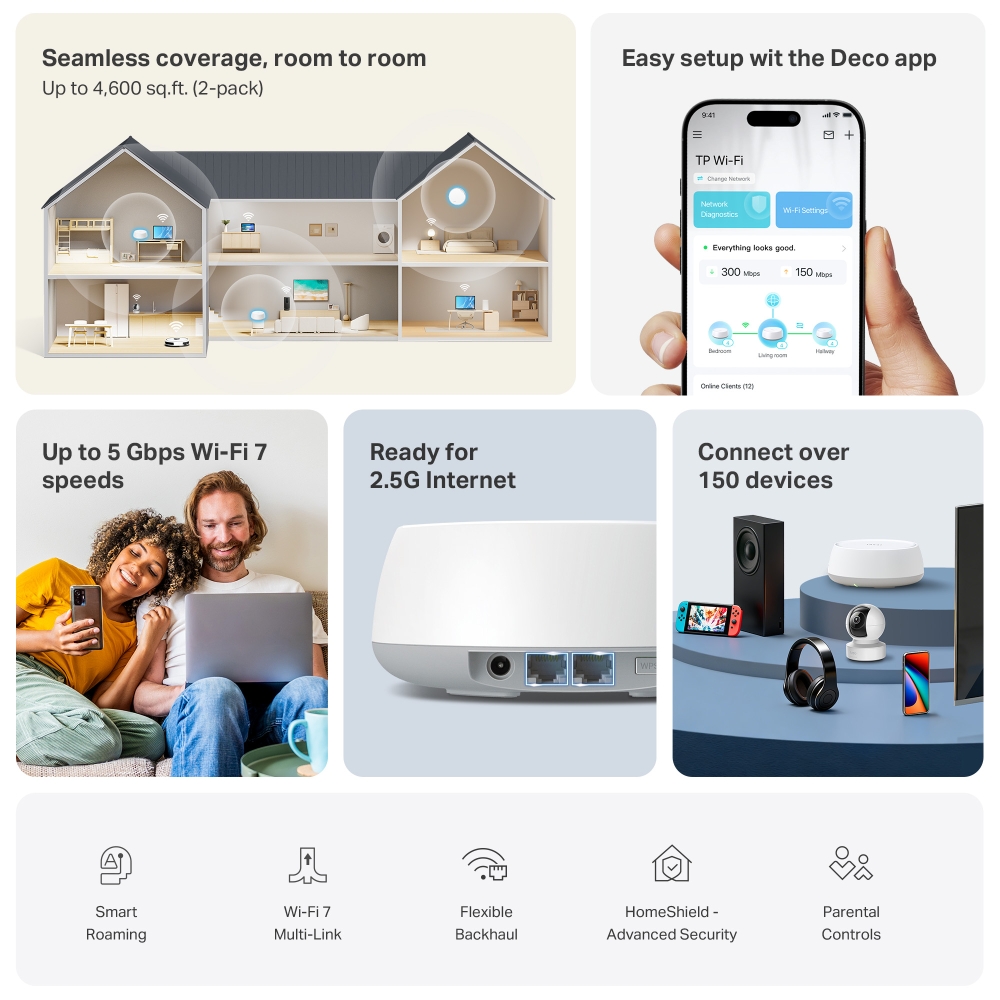
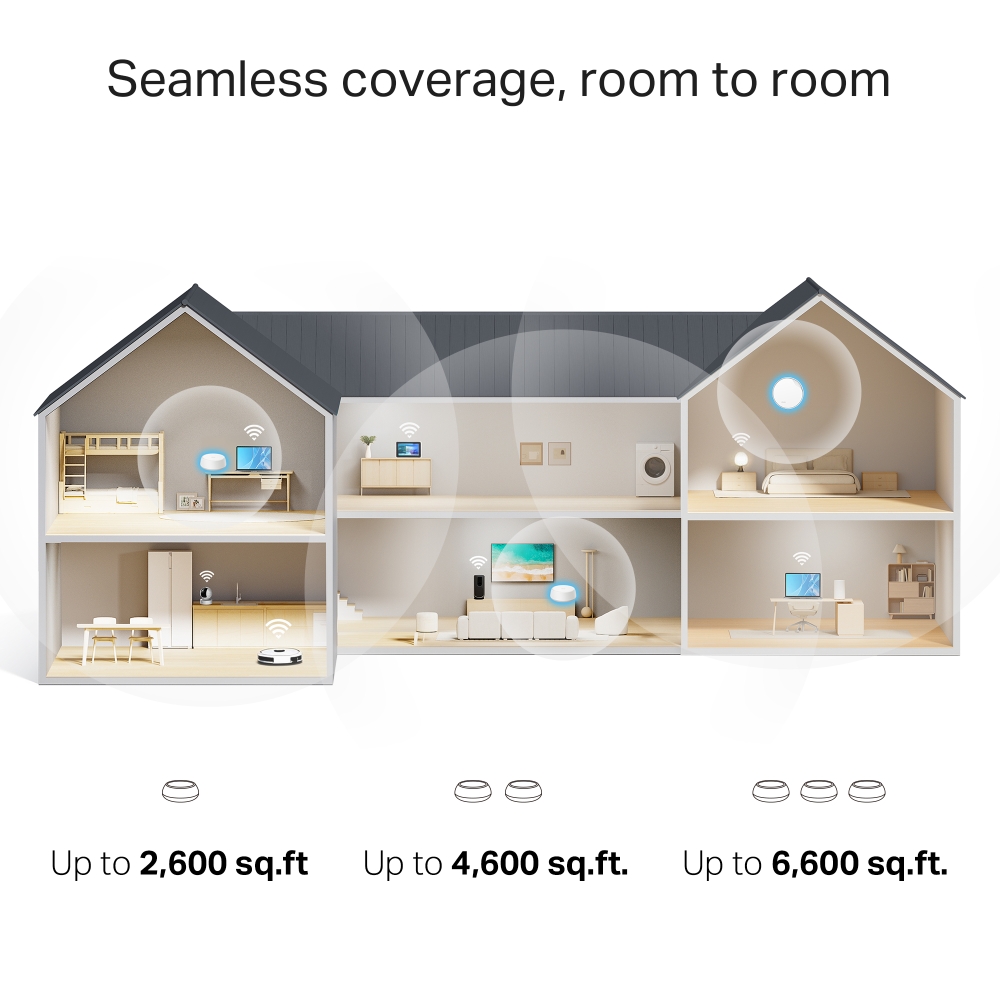
- Whole-Home Coverage Up to 6,600 Sq. Ft. — Seamless, stable signal in every room with no dead zones or dropouts.
- Reliable Dual-Band Wi-Fi 7 Performance — Next-generation speed and dependability with up to 5 Gbps of total Wi-Fi power.†
- Connect 150 Devices at Once — Keep every phone, TV, and smart device running smoothly without slowdowns.†
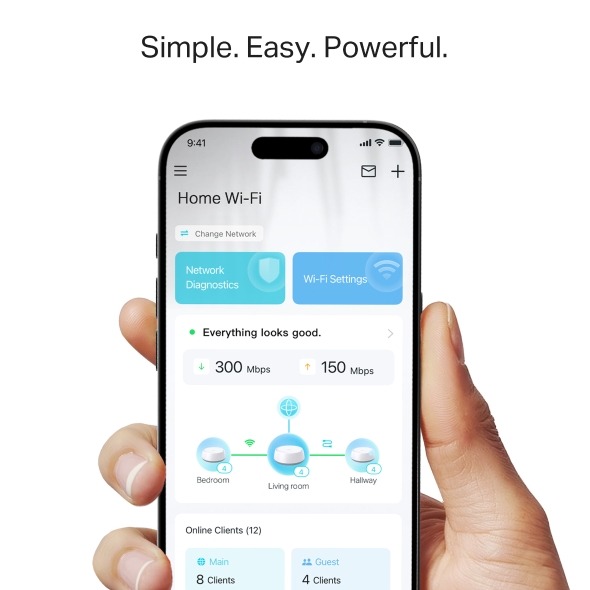
- Simple Setup with Deco App — Get online in minutes with guided setup and easy network management in the Deco app.
- Advanced Security — Built-in protection with parental controls and real-time threat prevention with TP-Link HomeShield.
- Smart AI Network Optimization — Automatically finds the fastest path for every device and activity in your home.
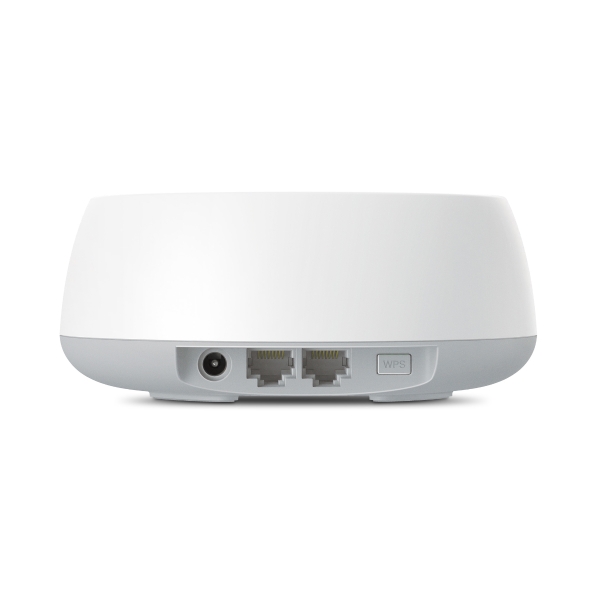
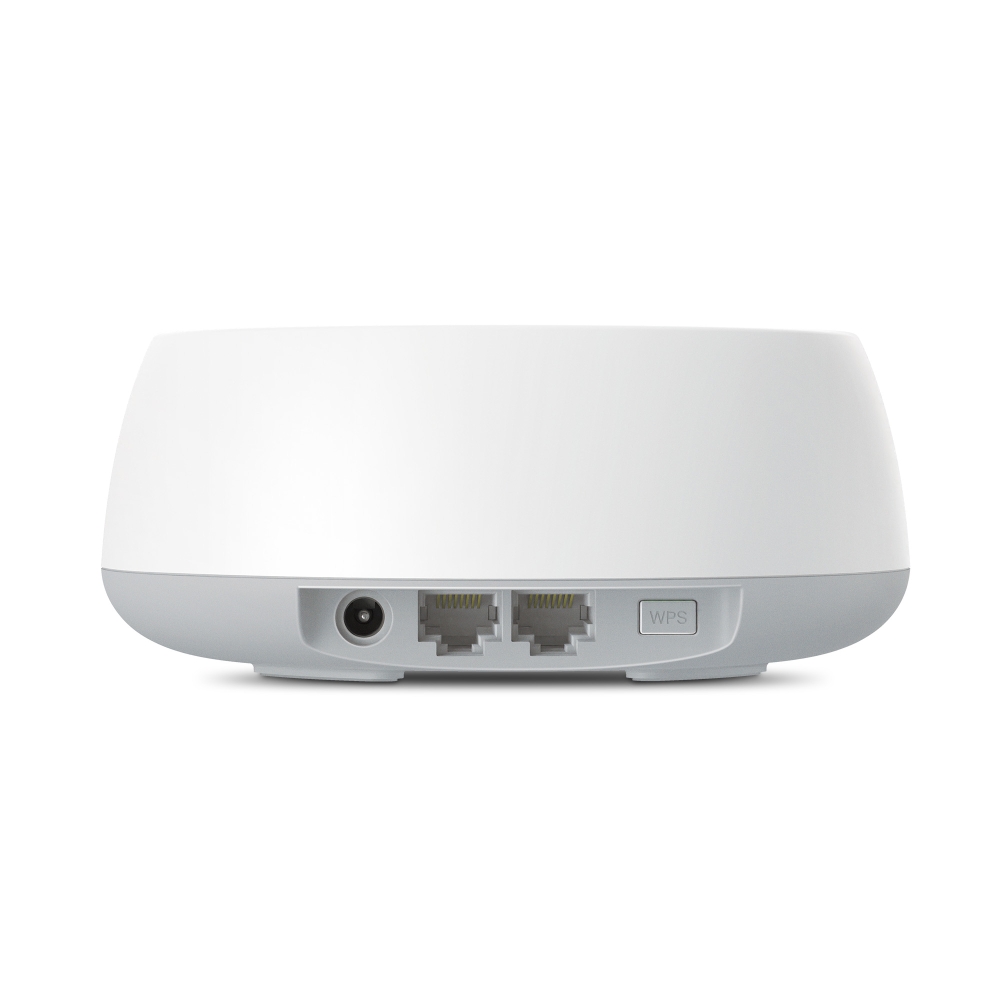
- 2.5 Gbps WAN/LAN Port — Supports high-speed plans and multi-gig wired connections for faster streaming and gaming.§
- Works with Any Internet Provider — Replaces any router and works with all Wi-Fi devices for easy, universal compatibility.
- Trusted Quality from TP-Link, the Wi-Fi Leader — Dependable performance and built-in security you can trust every day.


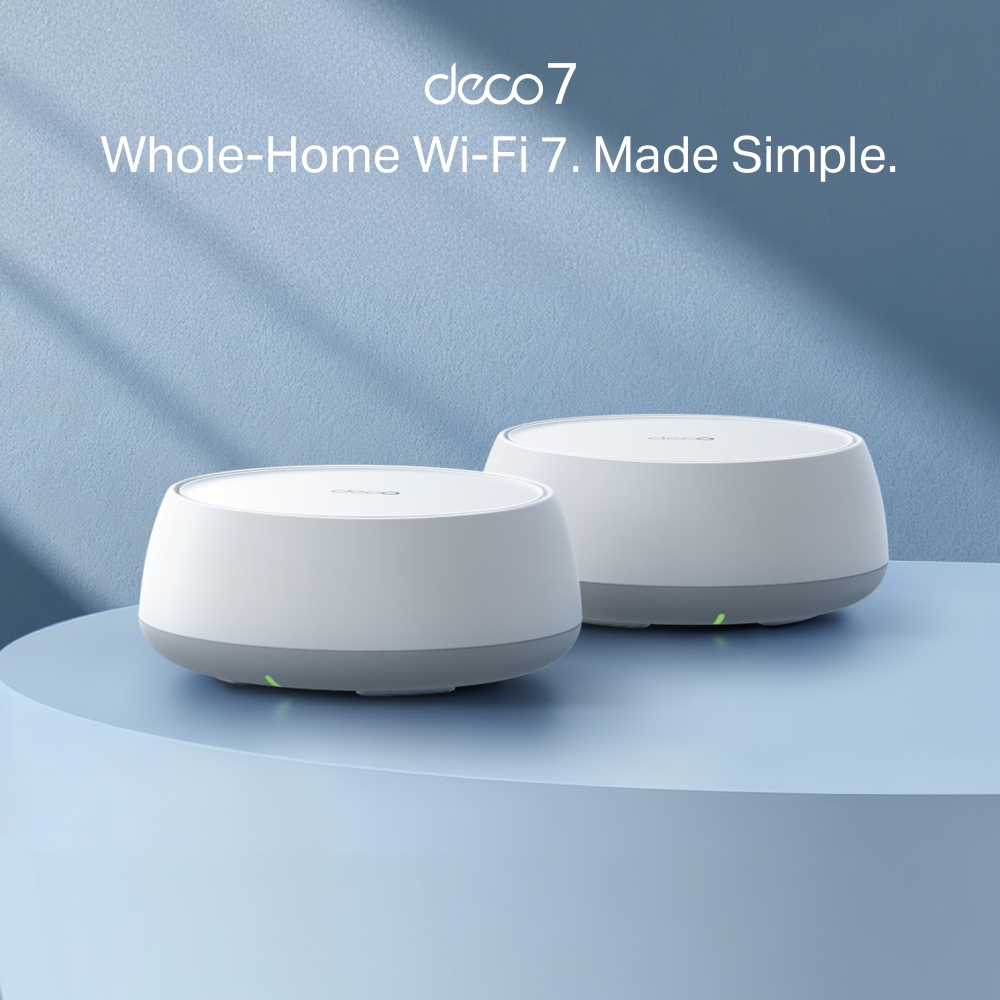
Whole-Home Wi-Fi 7.
Made Simple.
BE5000 Whole-Home Wi-Fi 7 Mesh System
Deco BE25






Easy setup with the Deco app
Up to 5 Gbps
Wi-Fi 7 speeds
Ready for
2.5G Internet
Connect over
150 devices

Smart
Roaming
Wi-Fi 7
Multi-Link
Flexible
Backhaul
HomeShield -
Advanced Security
Parental
Controls
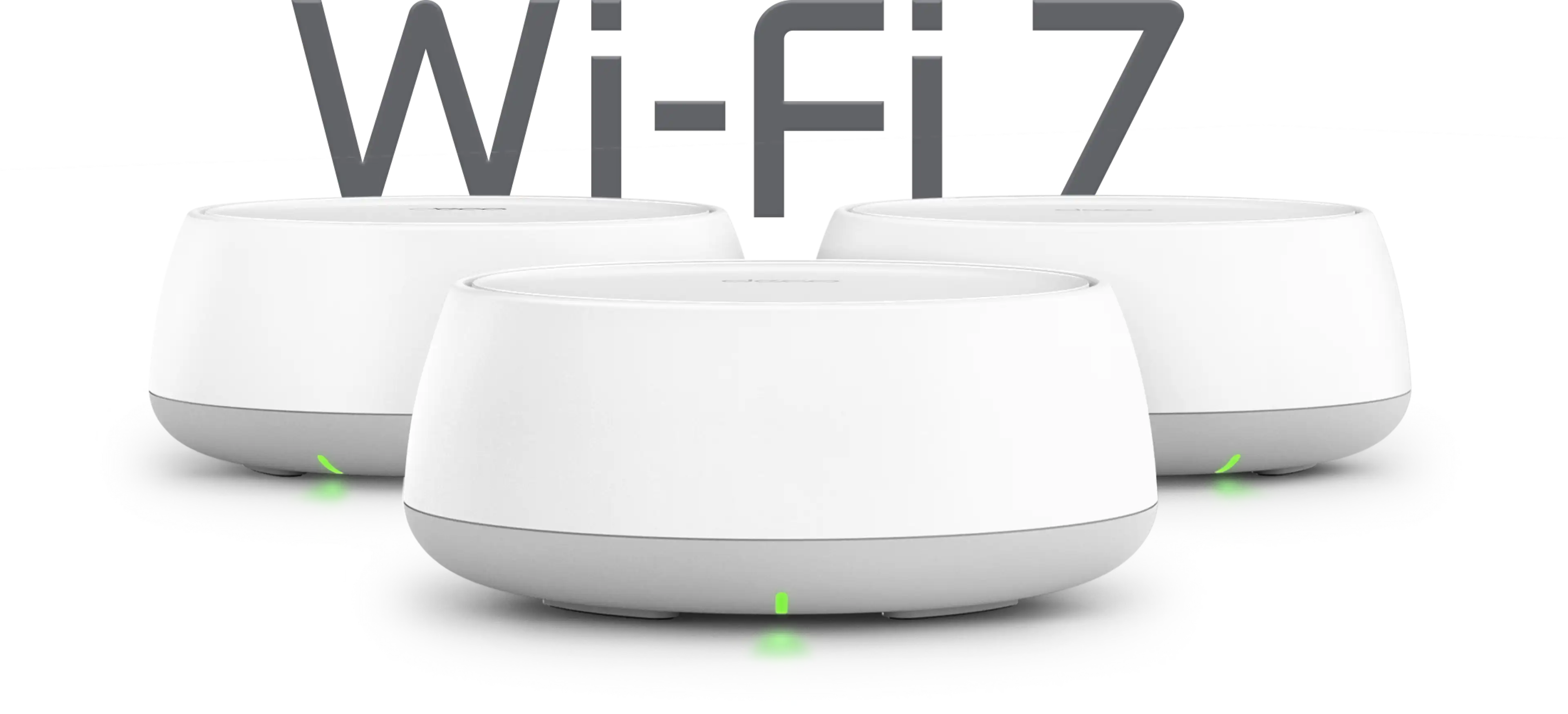
Wi-Fi Like Never Before
Wi-Fi 7 delivers faster speeds and smoother connections for today’s connected homes. Deco 7 makes next-generation Wi-Fi simple, reliable, and ready for everything you do online.
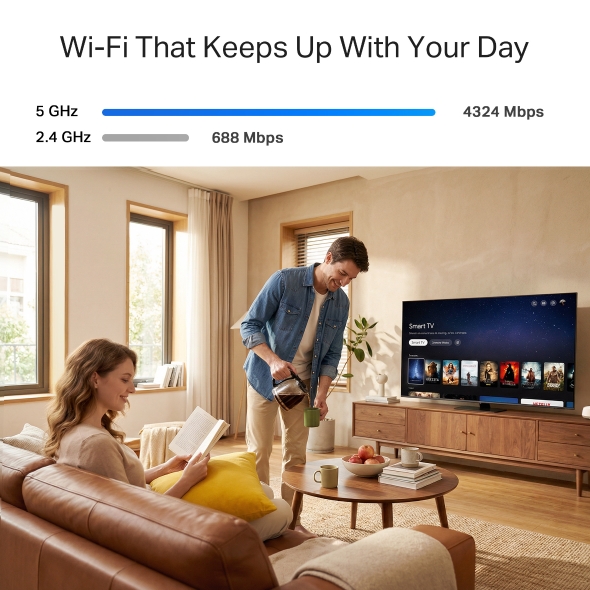
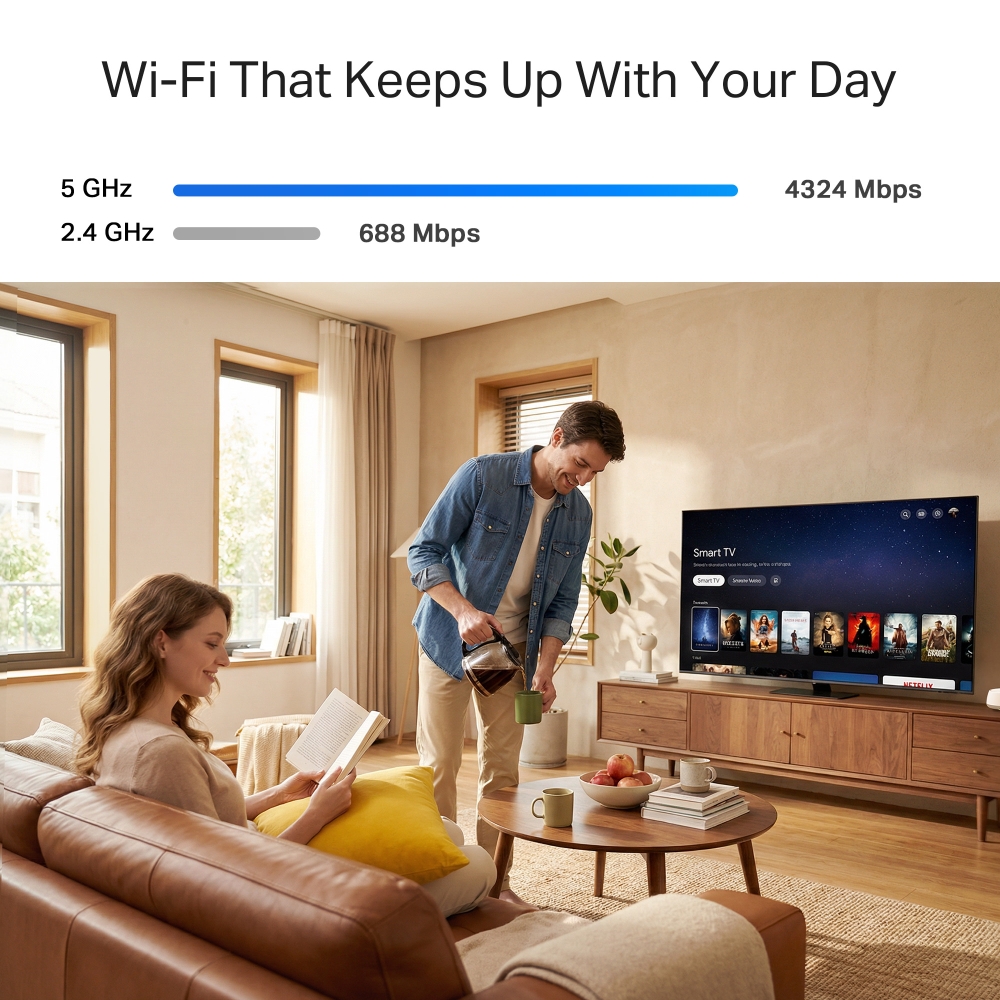
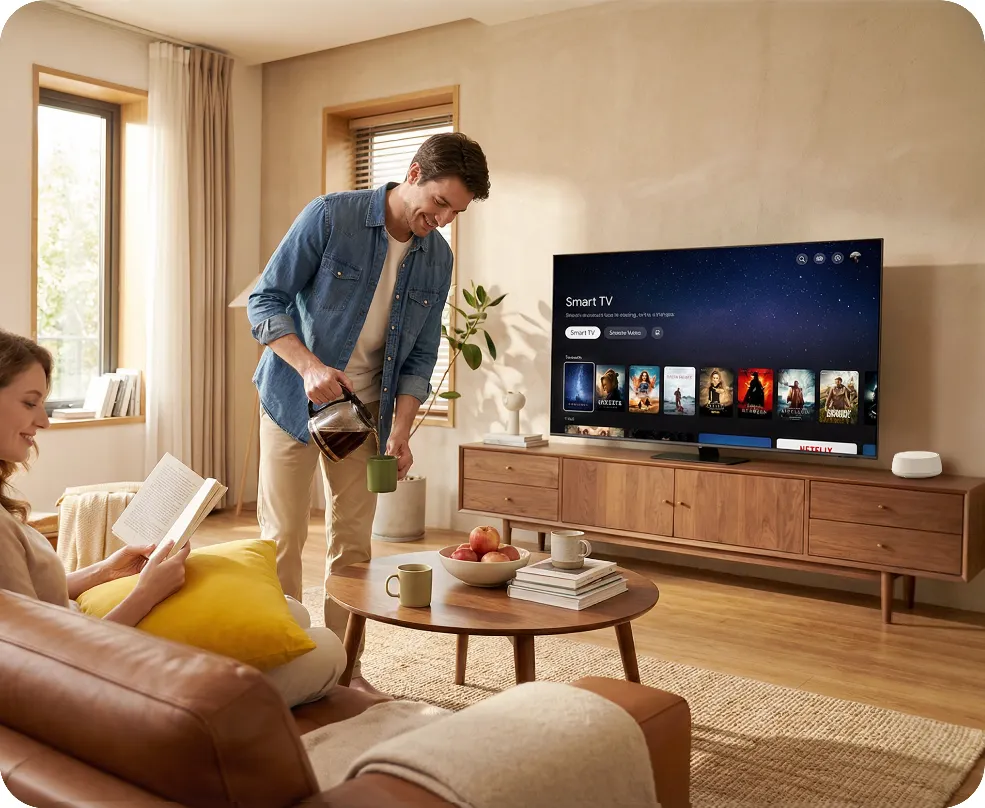
Wi-Fi That Keeps Up With Your Day
No more buffering, dropped calls, or slowdowns when everyone’s online. Deco 7 is built for busy homes, delivering smooth streaming and dependable connections in every room.
 5 GHz 4324 Mbps 2.4 GHz 688 Mbps
 5 GHz 4324 Mbps 2.4 GHz 688 Mbps





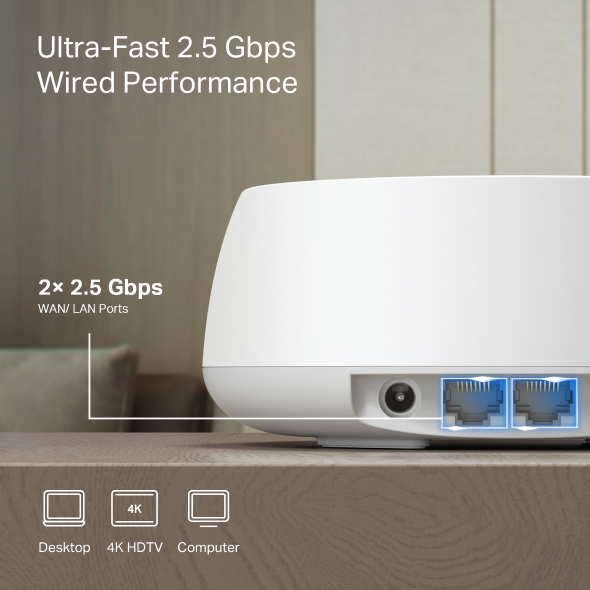
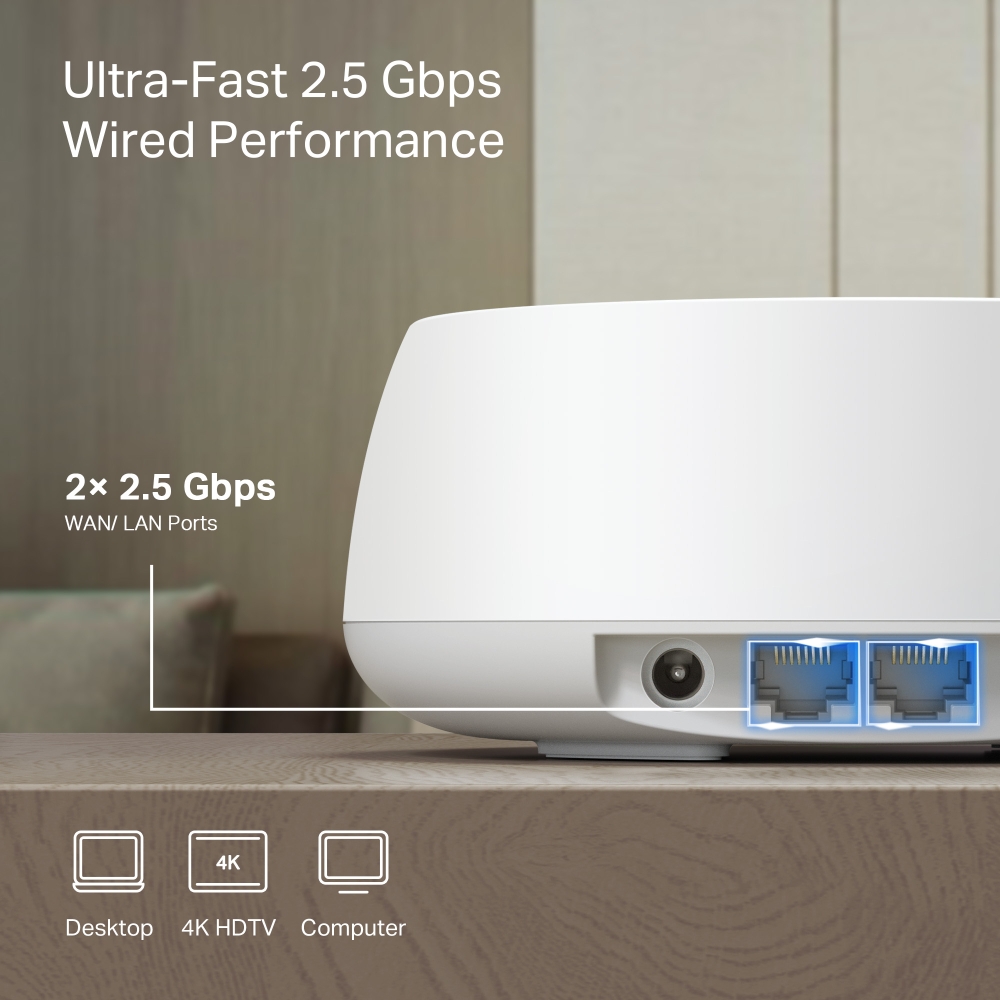
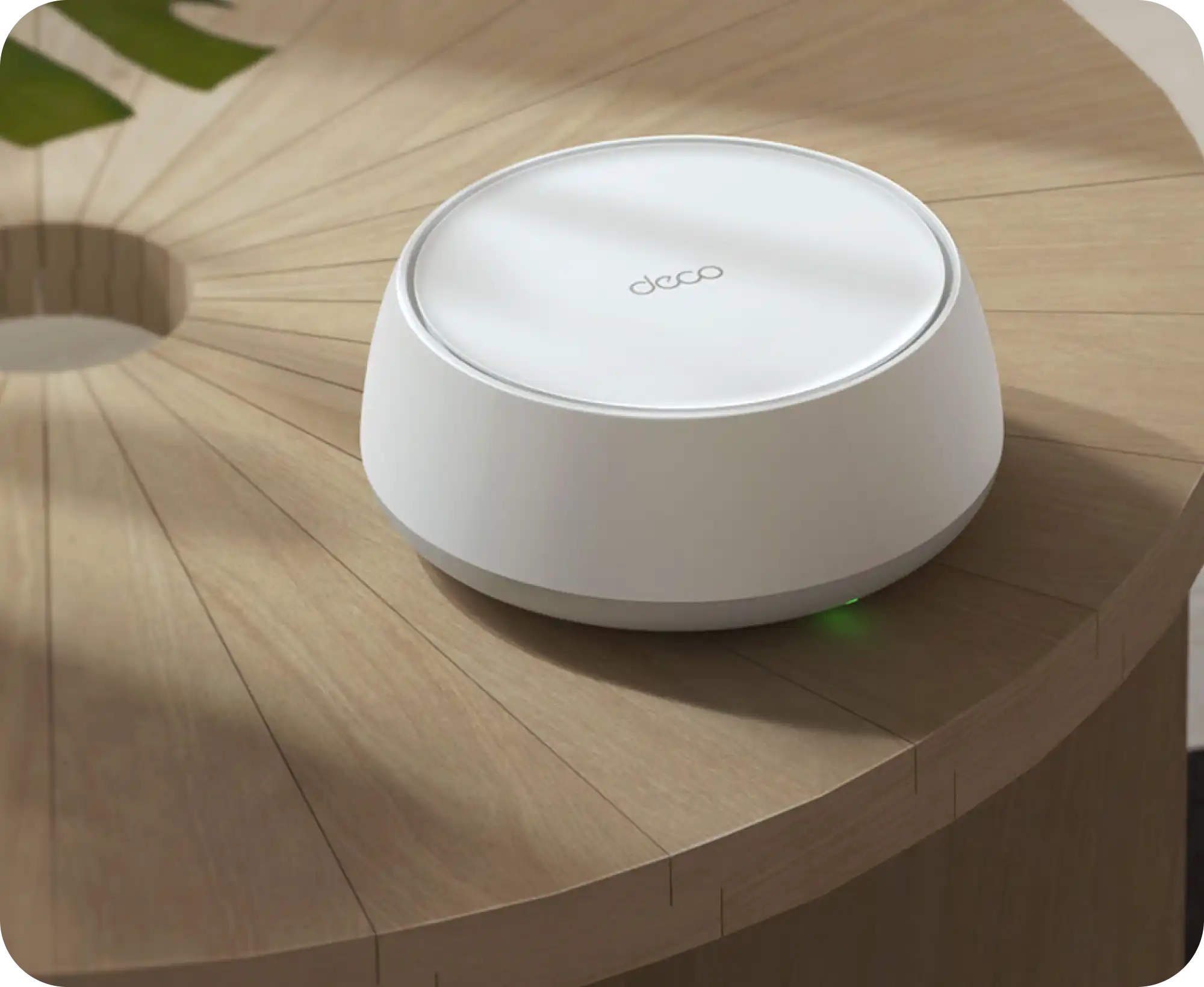
Ready for 2.5 Gbps Internet
When your internet plan gets faster, your Wi-Fi should keep up. Deco 7 supports 2.5 Gbps wired connections, helping reduce bottlenecks and slowdowns as more devices connect throughout your home.
2.5× Faster
Than Standard Gigabit
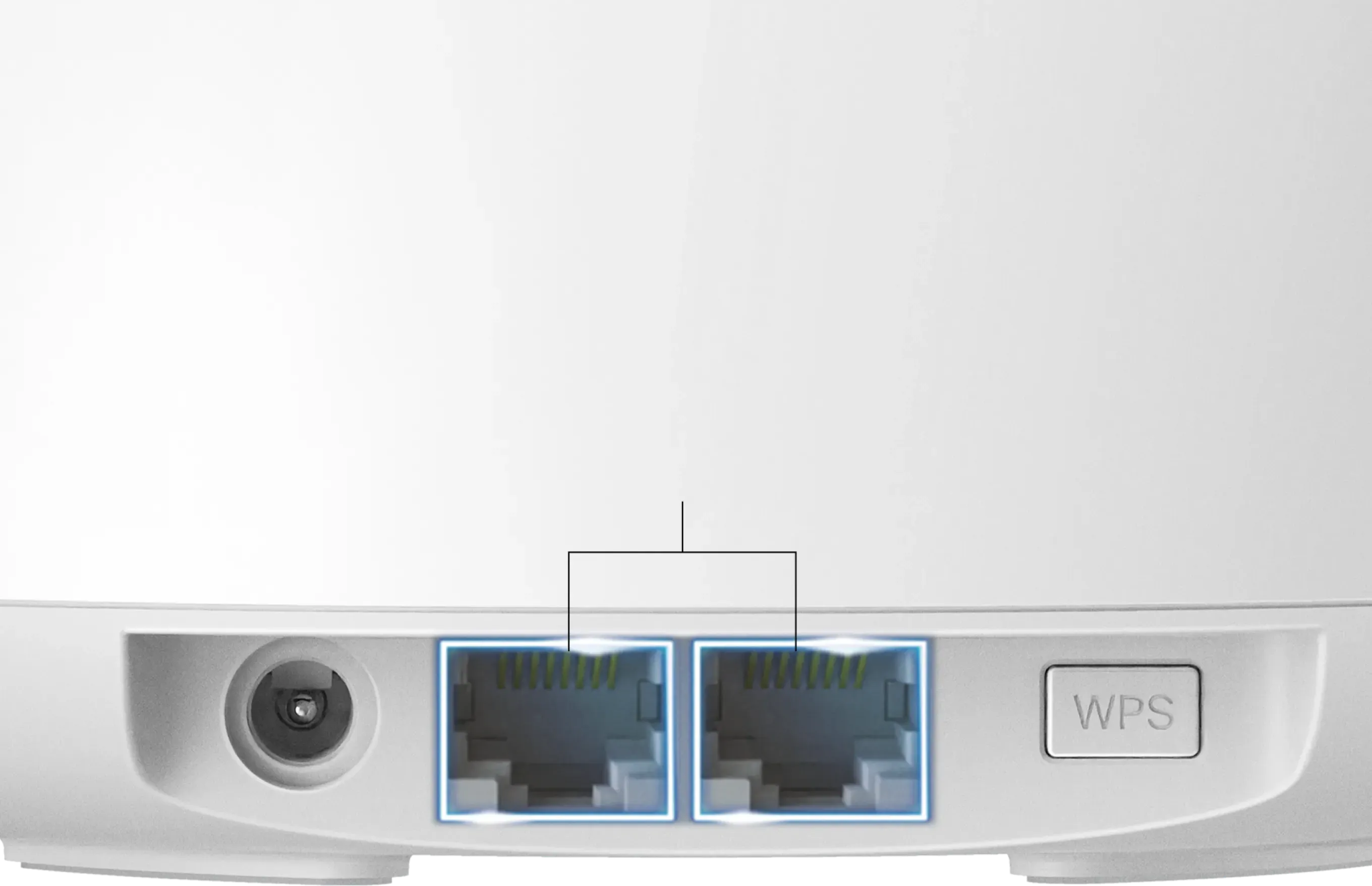
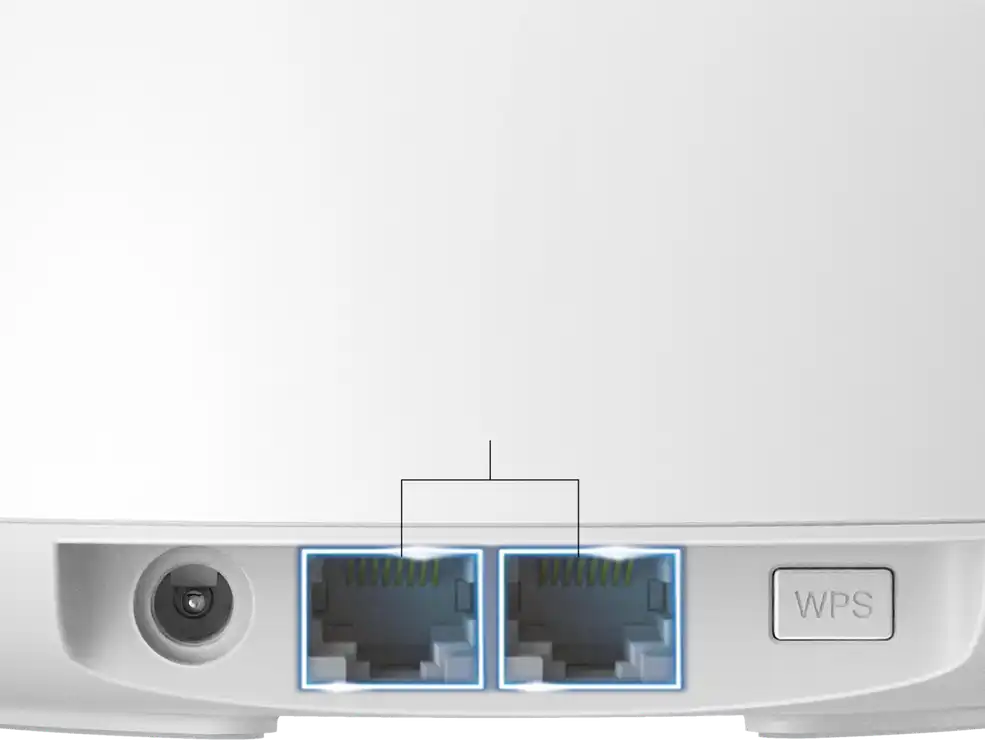
2× 2.5 Gbps
WAN/ LAN Ports

Computer

4K HDTV

Desktop
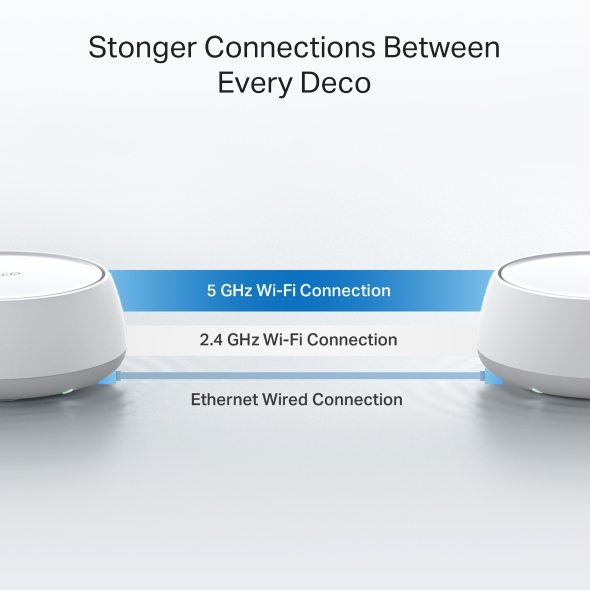
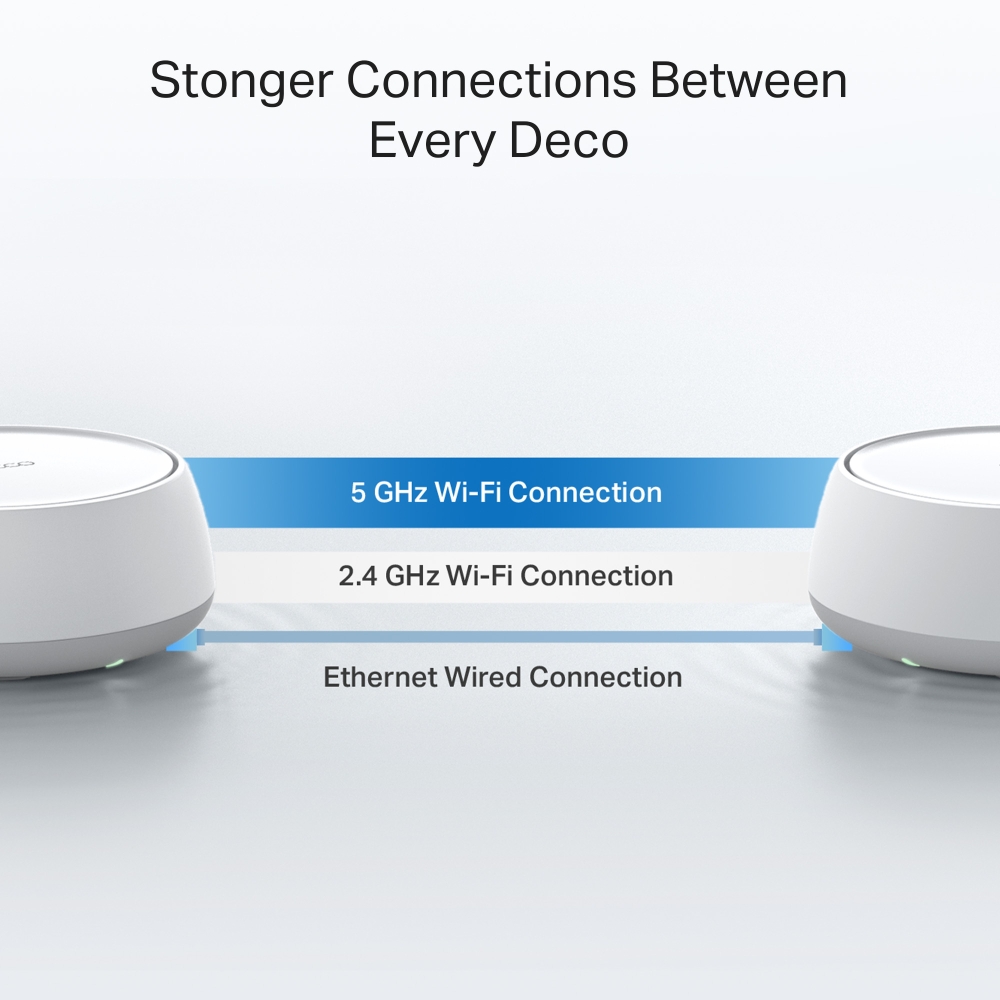
Stronger Connections Between Every Deco
Deco intelligently combines wired and wireless connections between units, helping keep Wi-Fi fast and stable throughout your home, even as more devices connect.
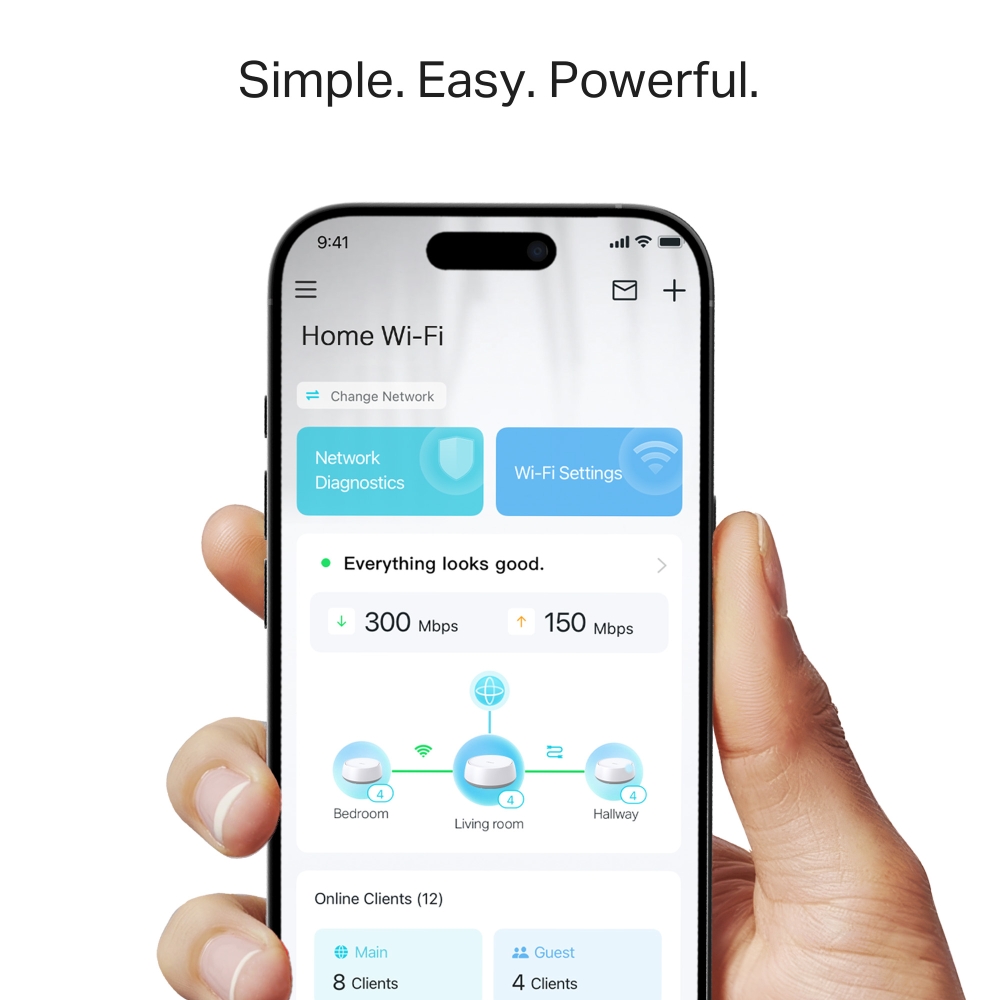
Simple. Easy.
Powerful.
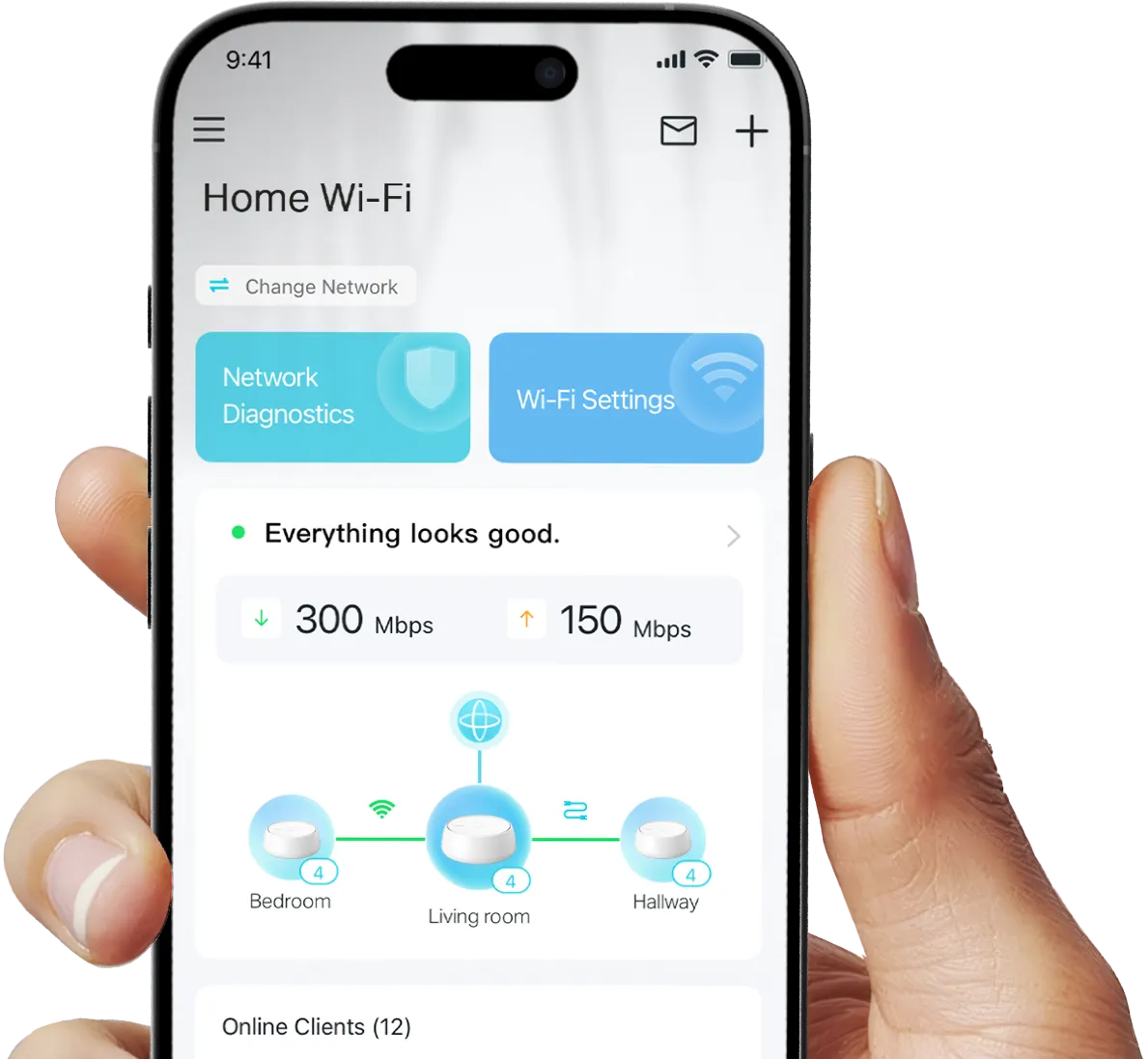
Deco 7 is designed to be effortless from the start. Set up in minutes with the Deco app, then enjoy strong, reliable Wi-Fi throughout your home.
Simple. Easy. Powerful.
Deco 7 is designed to be effortless from the start. Set up in minutes with the Deco app, then enjoy strong, reliable Wi-Fi throughout your home.
-
1 Connect to a modem and power on both.
-
2 Download and launch the Deco app.
-
3 Configure by following the in-app instructions.

Built-In Security for Everyday Life
HomeShield helps protect every device on your network—automatically—so your family can connect with confidence at home and beyond.




Advanced Network Protection
Get automatic protection for your entire home network, designed to help block online threats so you can browse, stream, and connect with confidence.

Parental Controls
Use simple tools to manage screen time and filter content, designed to support healthier online habits for kids while giving parents more control.

Protection that goes with you
Keep your devices protected at home and on the go, with security that stays with you wherever life happens.
Private IoT Network for More Security
Set up a separate Wi-Fi network for IoT devices, with built-in HomeShield protection and advanced WPA3 encryption to help better protect your home network and connected devices.
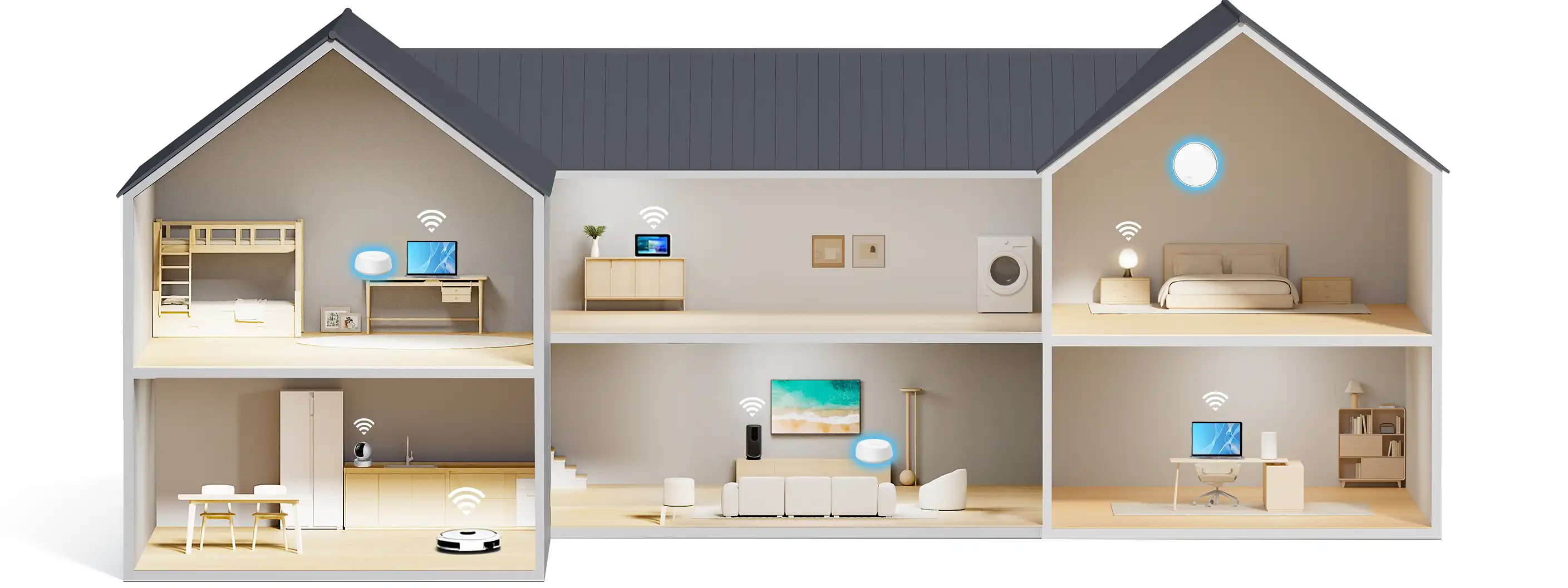
Smart Features Included with Every Deco 7 System
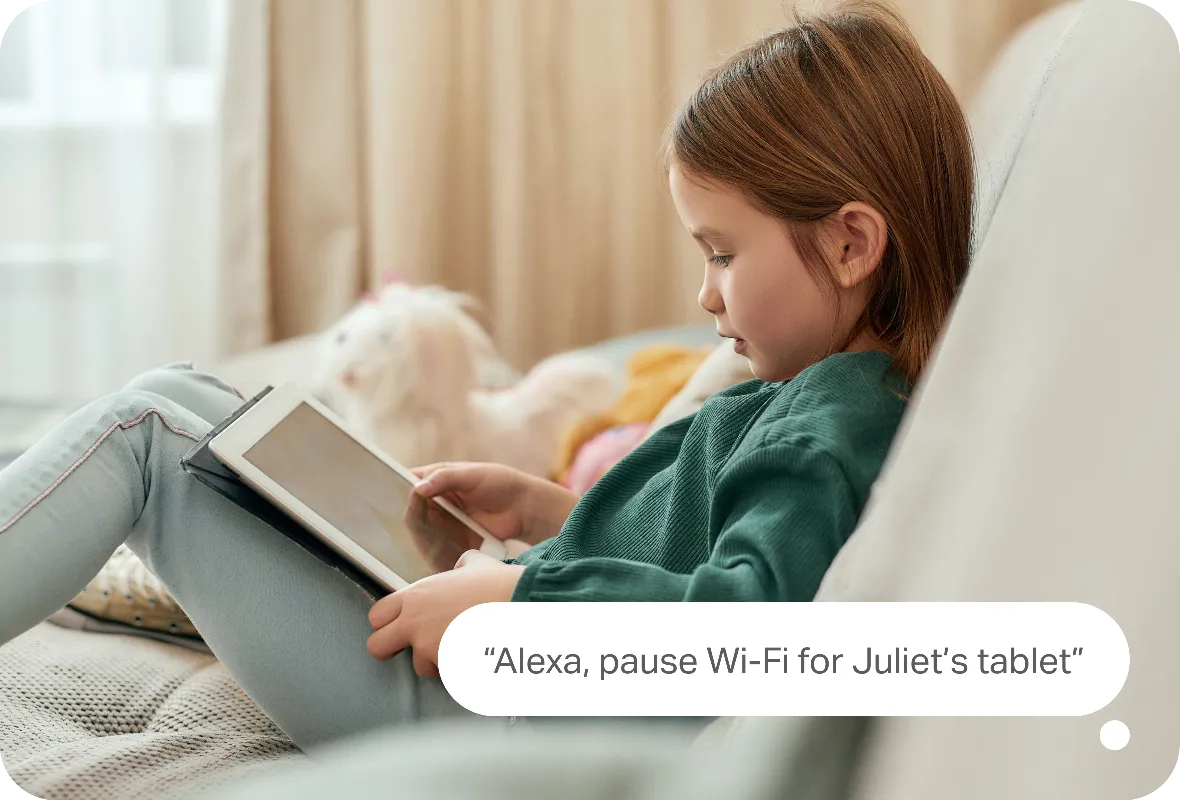
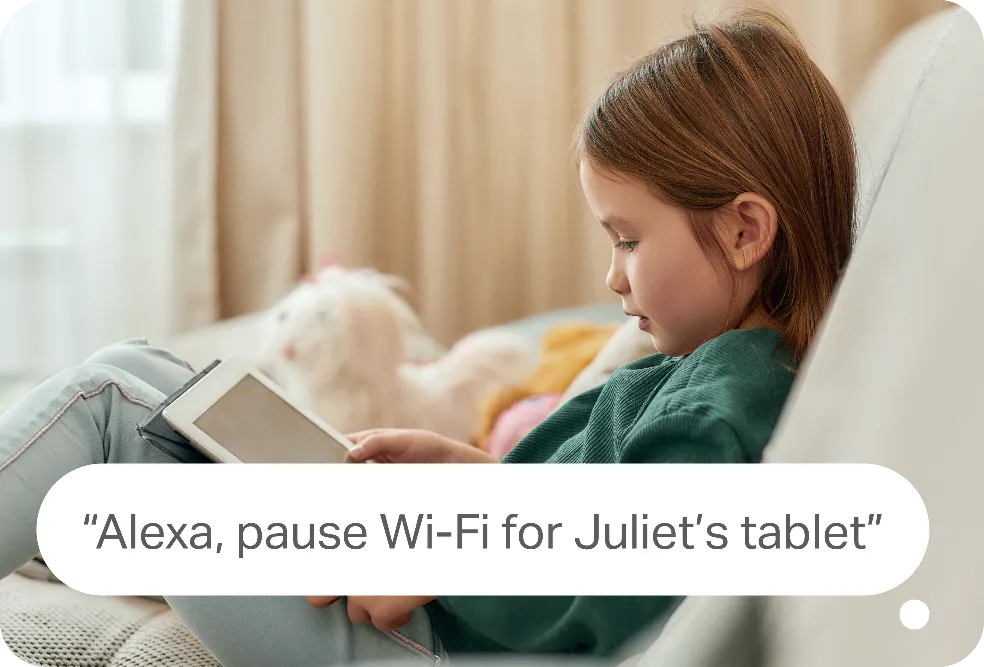
Hands-Free Voice Control
Use Amazon Alexa or Google Assistant-enabled devices to control your Deco system with simple voice commands, making it easy to manage your Wi-Fi hands-free.
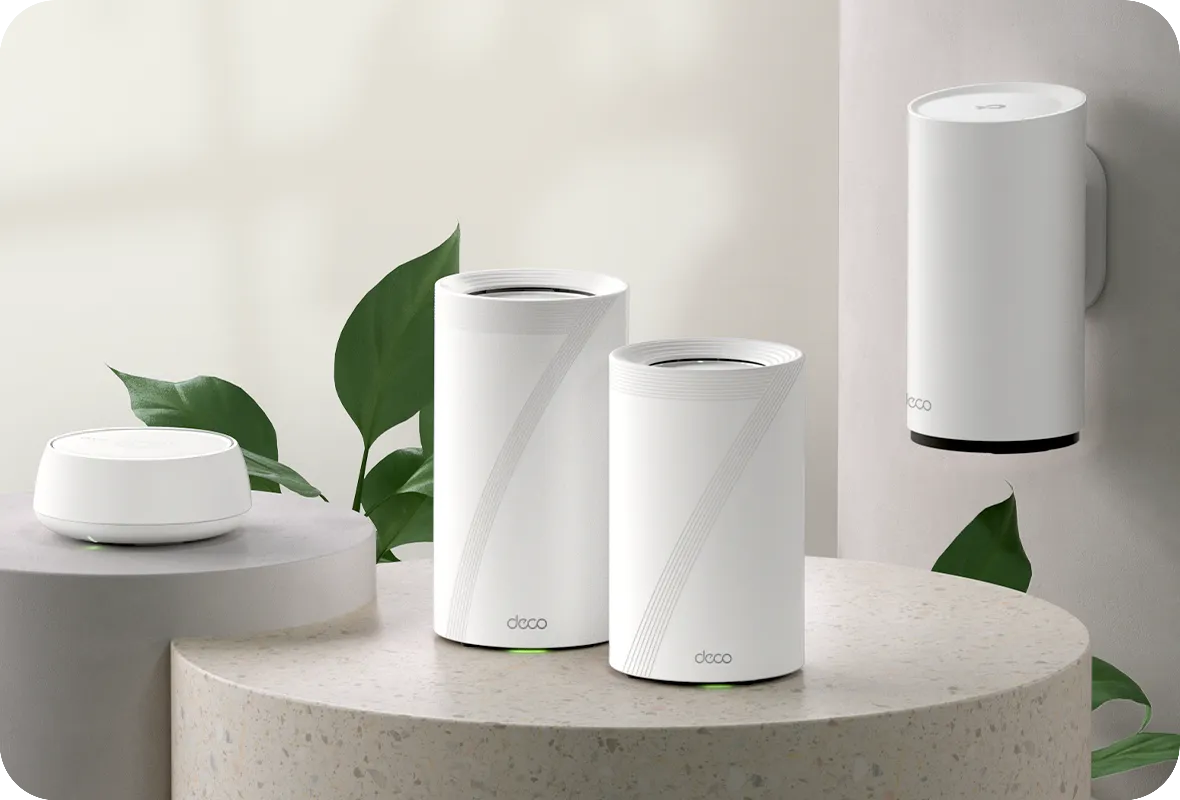
All Decos Work Together
All Deco devices work together to form one seamless mesh network. Expand your Wi-Fi coverage anytime by adding more Decos to keep every corner of your home connected.
-
地下室

-
庭院

-
車庫

真正的無縫漫遊
所有的Deco都能共同運作,這能形成一個統一的Wi-Fi網路,不論您在家中如何移動,您的手機或平板電腦都能自動連接到最快的Deco網路,快速且平順的切換,因切換時間不到0.3秒,實現了無縫漫遊的上網體驗。


-
適應式路由技術
TP-Link Mesh技術能夠動態的為您的資料傳輸選擇最佳的路由器以及頻段,而這可以保證您不論在家中何處,都能擁有最穩定、快速的連線。


-
自我修復功能
如果其中一個Deco遭遇麻煩,系統將會透過其它的Deco自動重新進行路由,以確保您能保持連線狀態。
Wi-Fi + 電力線網路
電力線會連接利用您家的電路連接Deco,從而繞過最厚的牆壁和天花板。
雙頻Wi-Fi和電力線網路可在Deco單元之間共同傳輸數據。與僅使用Wi-Fi相比,總網路速度大大提高。
- Wi-Fi + 電力線網路:
- Hybrid Wi-Fi 系統 提升的速度
- 傳統的 Mesh Wi-Fi:
- 標準的 Wi-Fi 系統
- 電力線
- 註:Wi-Fi + 電力線只有在 Deco P9才有具備
物聯網(IoT) Mesh
與傳統的智慧型集線器不同,透過整合Wi-Fi、藍牙和Zigbee到一個系統中,TP-Link Mesh技術提供了進行完整的家庭物聯網覆蓋。使用TP-Link Mesh技術,讓您能在每個房間享受智慧家庭網路的魔力,從此告別所有的集線器。
- - - - Wi-Fi
- - - - Zigbee
- - - - Bluetooth
Wi-Fi 6 Mesh
配備有Wi-Fi 6的技術,
Deco全家庭式Wi-Fi 6 Mesh主要是能提高覆蓋範圍、速度和總容量。使用最新的Wi-Fi 6 Mesh,就可盡情享受更快速的網路連接和更大的負載。
-
更廣的覆蓋面積
-
更多的連接設備
-
更快速的 Wi-Fi 6傳輸
AI-Driven Mesh
藉由AI Mesh技術,Deco可以自動從使用經驗中自我學習,進而為您的家庭和網路環境提供獨特的Mesh Wi-Fi。走進您的家庭,以最快的速度享受無縫的串流媒體播放。
為什麼要選擇領先業界的TP-Link Mesh技術?
| 競爭對手比較 | |||
| 產品型號 | TP-Link Deco | Netgear Orbi | Google WiFi |
| 無線備援 | 三頻(2.4G+5G_1+5G_2)¹ | 單頻(5G_1 Only) | 雙頻(2.4G+5G) |
| 支援的Mesh協定 | IEEE 802.11k/v/r | IEEE 802.11k/v | IEEE 802.11s |
| 真無縫漫遊 | √ | × | × |
| APS(自適應路徑選擇) | √ | × | √ |
| 物聯網 Mesh | √² | × | × |
| Wi-Fi 6 Mesh | √5 | √ | × |
| AI-Driven Mesh | √6 | × | × |
| 電力線備援 | √³ | × | × |
| 無線網路 + 電力線頻寬 | √⁴ | × | × |
| 頻段導航 | √ | √ | √ |
| AP 導航 | √ | √ | √ |
| 自我修復 | √ | √ | √ |
| 註: 1&2 只有 Deco M9 Plus 有支援;5 只有 Deco X20;Deco X60 Deco X90有支援;6 只有 Deco X90 有支援. Spec sourced by Dec. 2019 |
|||
Deco 系列
所有 Deco
 新品
Deco XE75
AXE5400 三頻Mesh Wi-Fi 6E系統

Deco X90
AX6600 完整家庭 Mesh Wi-Fi 6系統

Deco X55
AX3000完整家庭Mesh Wi-Fi 6系統

Deco X50
AX3000完整家庭Mesh Wi-Fi 6 系統

Deco X20
AX1800 完整家庭Mesh Wi-Fi 6 系統

Deco P9
AC1200 + HomePlug AV1000 完整家庭Mesh Wi-Fi系統
Deco網路管理盡在掌中!
Deco app提供了最簡單的設定方式,無論何時何地都能透過您的iOS或Android設備管理監控您的Deco網路。
輕鬆管理
Deco App讓您無論在哪都能輕鬆、快速管理您的Wi-Fi。
-
直觀的管理版面
檢視您的網路運作狀態,可看到所有連接的設備並進行路由器提供的功能設定。
-
一個App,管理多個Deco
一個Deco App便能管理您所有Deco網路及連接Deco Wi-Fi的設備。
-
連接設備一目瞭然
所有連接至Deco網路的設備皆會出現在列表內,您可以暫停或恢復該設備的網路存取權限、測試與Deco與網際網路的連接速率及使用優先程度、或設定設備的黑名單。
-
遠端管理
不論您是否連接著Deco的Wi-Fi,都能使用Deco App調整家長監護和其他Wi-Fi的設定,或是將其他家庭成員加至管理員名單,讓他們協助您一同管理網路。
強大的家長監護功能
簡潔、直觀的家長監護功能輕鬆保障孩子使用網路的安全。
-
建立家庭成員的用戶檔案並彈性限制上網時間,可分配多個設備到一個用戶檔案,整合管理更快速!
-
可根據孩子年齡層級過濾不恰當的網路內容,在資訊爆炸時代保護您的家人使用網路安全。
-
設定每名家庭成員可使用的上網時間。
-
觀察孩子瀏覽的網站及其停留時間,確認孩子是否安全而快樂的上網。
-
在晚餐和家族聚會時,孩子不停玩手機,怎麼講都講不聽嗎?按下暫停按鈕讓指定用戶檔案的網路暫時無法使用,享受家人聚在一起的時光。
內含許多功能的強大App
每月使用報告
從使用報告中您可以看到每月網路使用細節的全面型表單,包含使用量、
防護內容、安全威脅等等資訊。
家庭自動化
使用強大的自動化功能和語音控制工具讓您的生活更加便利。
*目前僅Deco M9 Plus支援
彈性設定捷徑
手機或平板只要按一個按鈕便能彈性控制所有智慧家電。
*目前僅Deco M9 Plus支援
保護您的網路
內建防毒功能保護您的設備不受惡意網站侵害並保障線上支付安全。
*目前僅Deco M9 Plus, Deco P7和Deco M5支援
優化您的設備
可選擇優先使用網路的設備,
並設定優先使用的時間。
設定使用網路優先層級
透過簡單的操作分配更多頻寬給重要的網路應用。
*目前僅Deco M9 Plus、Deco P7和Deco M5支援
與朋友分享Wi-Fi
設定訪客網路並快速分享Wi-Fi密碼,
不洩漏家庭內部網路資訊。
確認您的網路連接速度
確認您的Deco連接網際網路的速度,
觀看每個連接至Deco的設備並確認它們使用的頻段。
| 標準 | Wi-Fi 7IEEE 802.11be/ax/ac/n/a 5 GHzIEEE 802.11ax/n/b/g 2.4 GHz |
|---|---|
| Wi-Fi 速度 | BE50005 GHz: 4324 Mbps (802.11be)2.4 GHz: 688 Mbps (802.11ax) |
| Wi-Fi 範圍 | Broader Whole Home Coverage TP-Link Mesh TechnologyOptional Ethernet backhaul work together to link Deco units to provide seamless coverageAI-Driven MeshIntelligently learns the network environment to provide ideal Wi-Fi unique to your home4× High-Performance Antennas (Internal)Multiple antennas form a signal-boosting array to cover more directions and large areas |
| Wi-Fi 容量 | Very High Dual-BandDistribute devices to different bands for optimal performanceOFDMASimultaneously communicates with multiple WiFi 7 clients4 StreamsMore than enough bandwidth for connected devices |
| 運作模式 | Router ModeAccess Point Mode |
| 進階功能 | • Multi-Link Operation (MLO)• 320 MHz Channel• 4K-QAM• Multi-RUs• Works with Alexa and Google Assistant |
| 網路安全性 | SPI FirewallAccess ControlHomeShield Security Real-Time IoT ProtectionMalicious Site BlockerIntrusion Prevention SystemDDoS Attack PreventionHome Network Scanner |
|---|---|
| 訪客網路 | 1× 5 GHz Guest Network1× 2.4 GHz Guest Network Effective TimeBandwidth Control |
| VPN 伺服器 | • OpenVPN Server• PPTP VPN Server• L2TP/IPSec VPN Server |
| VPN 用戶端 | • OpenVPN Client• PPTP VPN Client• L2TP/IPSec VPN Client |
| Wi-Fi 加密 | WPA-Personal WPA2-Personal WPA3-Personal |
| 網路孔 | • 2× 2.5 Gbps*Per Deco Unit Supports WAN/LAN auto-sensing |
|---|---|
| 按鈕 | 1× Reset Button1× WPS |
| 進階功能 | • Reboot Schedule• Tapo/Kasa Onboarding• IoT network & Device Isolation• Static Routing Function• Node/Band Connection Preference |
|---|---|
| 協定 | IPv4 IPv6 |
| 服務工具 | HomeShieldLearn More> |
| 家長監護 | HomeShield Parental Controls Youtube RestrictionSafeSearchCustom ProfilesProfessional Content Filter LibraryFamily TimeBedtimeOff TimeTime RewardsFamily Online Time RankingPause the InternetWeekly and Monthly Reports |
| WAN 類型 | Dynamic IPStatic IPPPPoEPPTPL2TP |
| 服務品質 | HomeShield QoS QoS by Device |
| 雲端服務 | OTA Firmware UpgradeTP-Link ID DDNS |
| NAT 轉發 | Port Forwarding UPnP |
| IPTV | IGMP ProxyIGMP SnoopingBridge Tag VLAN |
| DHCP | Address ReservationDHCP Client ListServer |
| DDNS | TP-Link |
| 管理 | Deco App |
| 預設啟用的網路服務 | Web Server Manage and configure device through web (HTTP/HTTPS)• Port: 80/443 Protocol: TCP DNS DNS• Port: 53 Protocol: TCP & UDP DHCP Server IP address assignment (DHCP)• Port: 67 Protocol: UDP App management Manage and configure device through app• Port: 22 Protocol: TCP• Port: 20001 Protocol: TCP• Port: 30001 Protocol: TCP• Port: 20002 Protocol: UDP |
|---|---|
| 體積 (W×D×H) | 5.91 × 5.91 × 2.44 in (150 × 150 × 62 mm) |
|---|---|
| 包裝內容 | Deco BE25 (3-pack)3 Deco BE25 units1 RJ45 Ethernet cable3 Power adaptersQuick Installation GuideDeco BE25 (2-pack)2 Deco BE25 units1 RJ45 Ethernet cable2 Power adaptersQuick Installation GuideDeco BE25 (1-pack)1 Deco BE25 unit1 RJ45 Ethernet cable1 Power adapterQuick Installation Guide |
| 認證 | CE, FCC |
|---|---|
| 環境 | Operating Temperature: 0°C~40°C (32 °F~104 °F)Storage Temperature: -40°C~60°C (-40 °F~140 °F)Operating Humidity: 10%~90% RHStorage Humidity: 5%~90% RH |
†Maximum wireless signal rates are the physical rates derived from IEEE Standard 802.11 specifications. Connection to over 150 devices is based on laboratory test data, which analyzed the connections of different devices on the 5 GHz, and 2.4 GHz bands simultaneously. These devices simulated a typical home scenario by running simultaneous applications in the same room that included 4K video, 1080p video, 720p video, file downloading, web browsing, IP cameras, and other IoT devices. Actual wireless data throughput, wireless coverage, and connected devices are not guaranteed and will vary as a result of internet service provider factors, network conditions, client limitations, and environmental factors, including building materials, obstacles, volume and density of traffic, and client location.
△Use of Wi-Fi 7 (802.11be), Wi-Fi 6 (802.11ax), and features including Multi-Link Operation (MLO), 4K-QAM, Multi-RUs, OFDMA, MU-MIMO and BSS Color requires clients to also support the corresponding features.
§2.5 Gbps internet speeds require compatible service plans and equipment. All WAN/LAN ports will operate as either WAN or LAN ports. Only one port can serve as a WAN port at a time.
*HomeShield includes both basic and advanced features. Advanced features require a paid subscription. For details, visit tp-link.com/homeshield. Some features are under development and will be supported with subsequent software updates.
☆WiFi generations represent the wireless standard IEEE 802.11 a/b/g/n/ac/ax/be. Users may require an extra modem device that is compatible with their internet service provider to gain internet access.
Actual network speed may be limited by the rate of the product's Ethernet WAN or LAN port, the rate supported by the network cable, internet service provider factors, and other environmental conditions.
This Deco may not support all the mandatory features as ratified in IEEE 802.11be specification.
Further software upgrades for feature availability may be required.
Google and Google Home are trademarks of Google LLC.