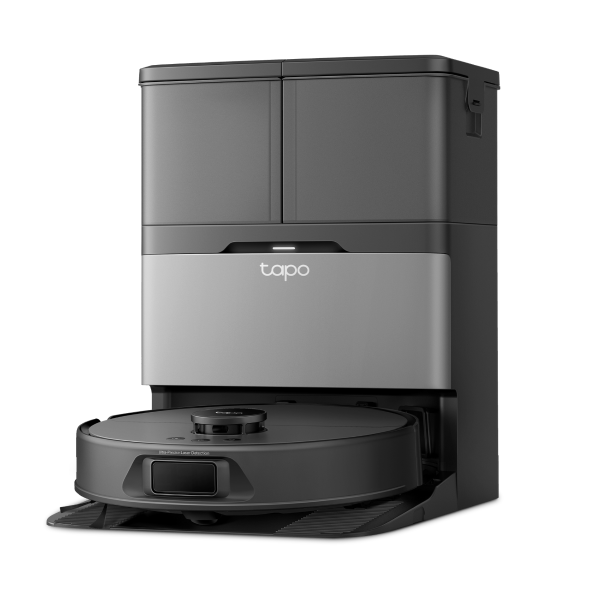
How to clean the dirty water tank of Tapo Robot Vacuum
Step 1. Pull out the dirty water tank.

Step 2. Open the water tank and pour out the water.

Step 3. Clean the water tank using tap water.

Step 4. Wipe them with a dry cloth.

Step 5. Reinstall onto the dock with a slight press for proper installation.

¿Es útil este artículo?
Tus comentarios nos ayudan a mejorar esta web.

TP-Link Community
Still need help? Search for answers, ask questions, and get help from TP-Link experts and other users around the world.