Download for InSight PTZ5425
IMPORTANT:
Model and hardware version availability varies by region. Please refer to your TP-Link regional website to determine product availability.
Vx.0=Vx.6/Vx.8 (eg:V1.0=V1.6/V1.8)
Vx.x0=Vx.x6/Vx.x8 (eg:V1.20=V1.26/V1.28)
Vx.30=Vx.32 (eg:V3.30=V3.32)
Vx.0=Vx.6/Vx.8 (eg:V1.0=V1.6/V1.8)
Vx.x0=Vx.x6/Vx.x8 (eg:V1.20=V1.26/V1.28)
Vx.30=Vx.32 (eg:V3.30=V3.32)
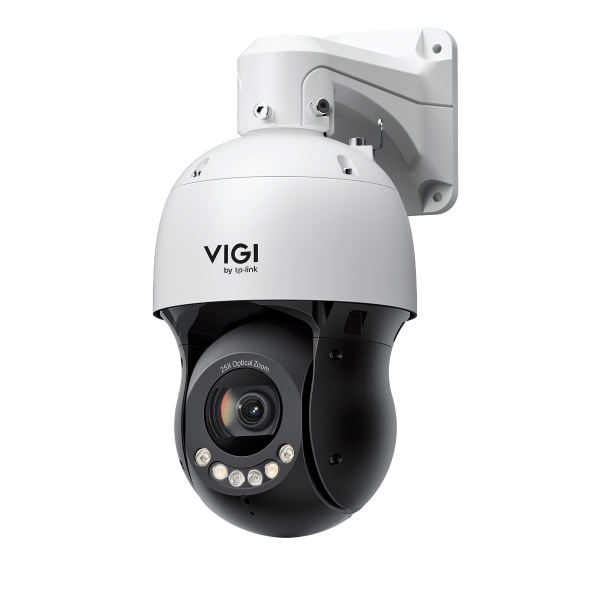 VIGI 5-inch 4MP 25X Full-Color Network Speed Dome
VIGI PC Client
|
VIGI PC Client_x64_2.1.25 |
Download | |
|---|---|---|
| Published Date: 2026-01-21 | Language: Multi-language | File Size: 148.86 MB |
Operating System: Windows 10/11 |
||
|
New features and Enhancements: |
||
FAQs
- How to Use Manual Tracking
- How to use Park function
- How to Use Manual Tracking
- How to use VIGI Cameras with Third-Party NVR, NAS or Software
- How to Set Privacy Mask on Speed Dome PTZ
- How to Use VIGI Pan/Tilt/Zoom Function
- How do I log in to the web management page of VIGI IPC and NVR
- How to configure Alarm Server
- How to use Power Up Action function
- How to configure Capture and view captured images on VIGI camera
- VIGI Series Camera Installation Guide
- How to configure the PTZ limit of VIGI cameras using the web UI
- How to Use Smart Tracking
- Why does the HTTPS web interface of VIGI IPC and NVR show a “Not Secure” warning in some browsers?
- How to use the Home Position Function
- How to set Smart Detection on Speed Dome PTZ
- How to use the Preset, Patrol and Pattern Scan