如何透過Deco APP新增Deco網路?
注意:不建議在一個Deco網路中增加超過10個Deco。
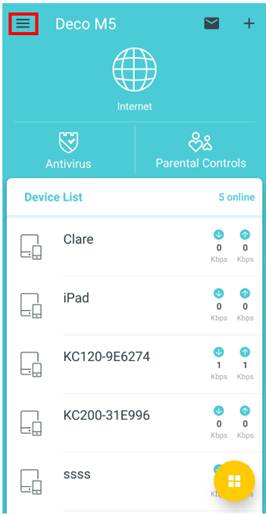
1.開啟Deco APP並點擊左上角的≡。
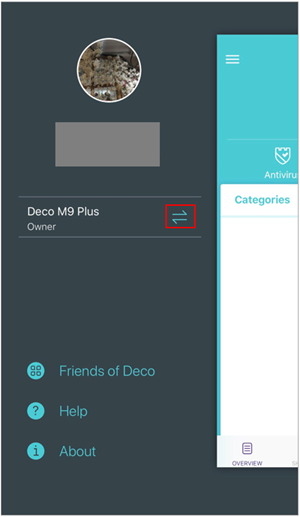
2.點擊箭頭。
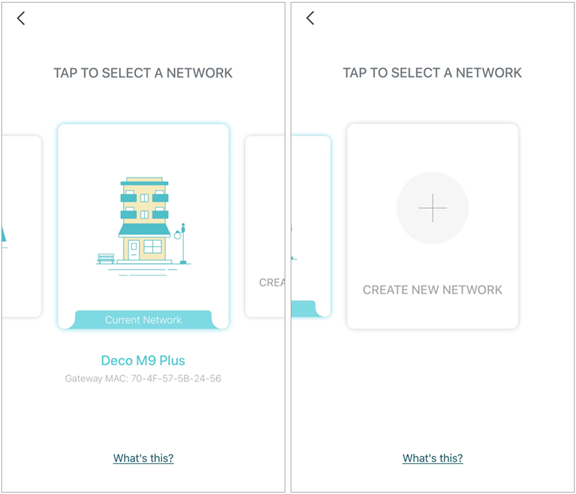
3.向左滑動並點選建立新的網路(CREAT NEW NETWORK)。
4.按照說明完成設定,或參考Deco M5安裝過程(設定過程)。
Looking For More
這篇faq是否有用?
您的反饋將幫助我們改善網站
_Overview_normal_20211130021244m.png)


TP-Link Community
Still need help? Search for answers, ask questions, and get help from TP-Link experts and other users around the world.