How to replace the batteries of Tapo Smart Door Lock (Tapo DL100/DLW10)
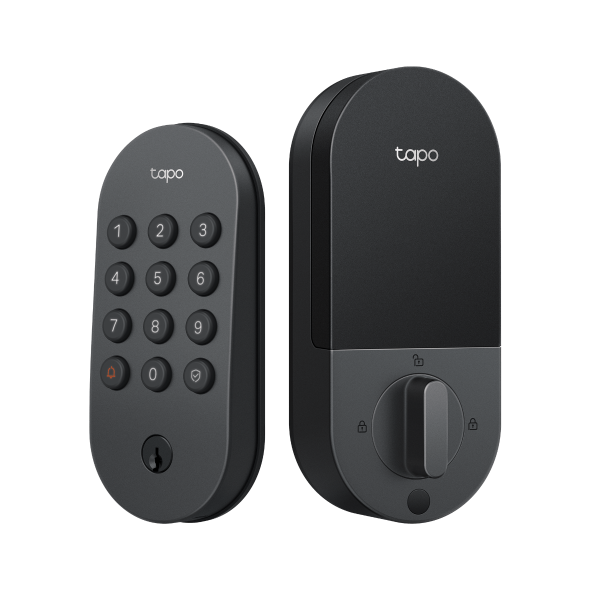
- Remove the battery cover of the interior assembly.
- Take out the old batteries.
- Insert the new batteries, ensuring the positive and negative terminals are oriented correctly.
- Replace the cover by sliding it down.
Note: If the lock is not connected to Wi-Fi, please sync the time in the app every time you replace the batteries.
Is this faq useful?
Your feedback helps improve this site.

TP-Link Community
Still need help? Search for answers, ask questions, and get help from TP-Link experts and other users around the world.