Whether the Tapo Robot Vacuum Consumes Power When It Is Placed on the Dock
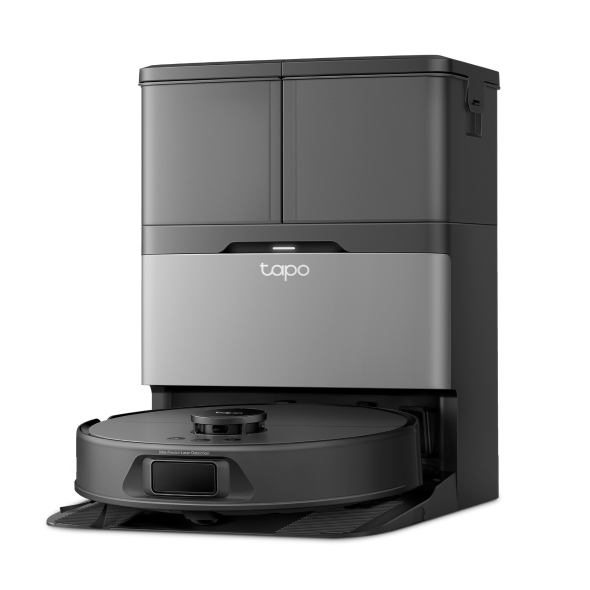
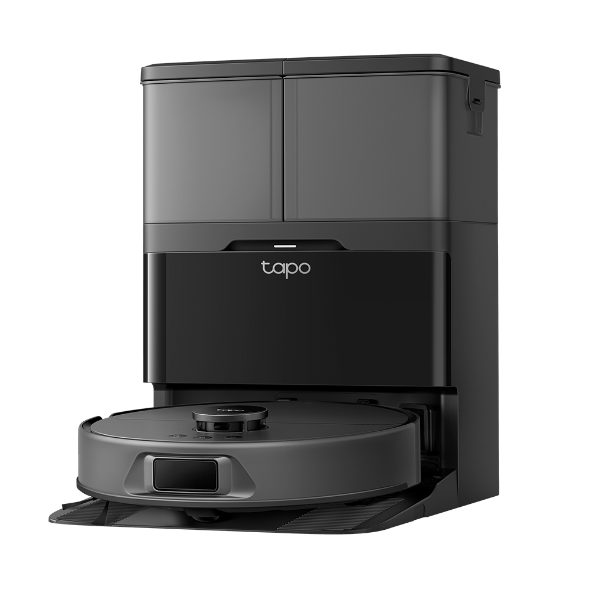
In general, when a robot vacuum is on its docking station or charging dock, it may still consume a minimal amount of power.
This is because the dock typically provides a trickle charge to keep the robot vacuum's battery at an optimal level.
The vacuum might intermittently check its battery level and, if needed, replenish the charge to ensure readiness for the next cleaning cycle.
The power consumption while on the dock is usually significantly lower than during active cleaning.
You can check the vacuum's battery status anytime through the Tapo App.
For more details on the robot vacuum's battery and power parameters, you can visit the official Tapo website and refer to the product details page.
If you encounter charging difficulties, you can refer to the following FAQ for further troubleshooting:
How to Troubleshooting A Charging Failure on My Robot Vacuum
Q&A
Q1: How do I enter energy-saving mode for a docked robot vacuum, and what is the robot's working status in this mode?
In the energy-saving mode, only the charging function is active. All other functions, including LEDs and sensors, are disabled, and Wi-Fi is disconnected.
When the robot vacuum is docked, press and hold the Power button and the Dock button for over 15 seconds until the LED turns off to enter energy-saving mode.
To exit the mode, press the Power button on the robot vacuum, and it will automatically revert to normal mode.
To learn more about each function and configuration, please visit the Download Center to download the manual for your product.
Looking For More
Is this faq useful?
Your feedback helps improve this site.


TP-Link Community
Still need help? Search for answers, ask questions, and get help from TP-Link experts and other users around the world.